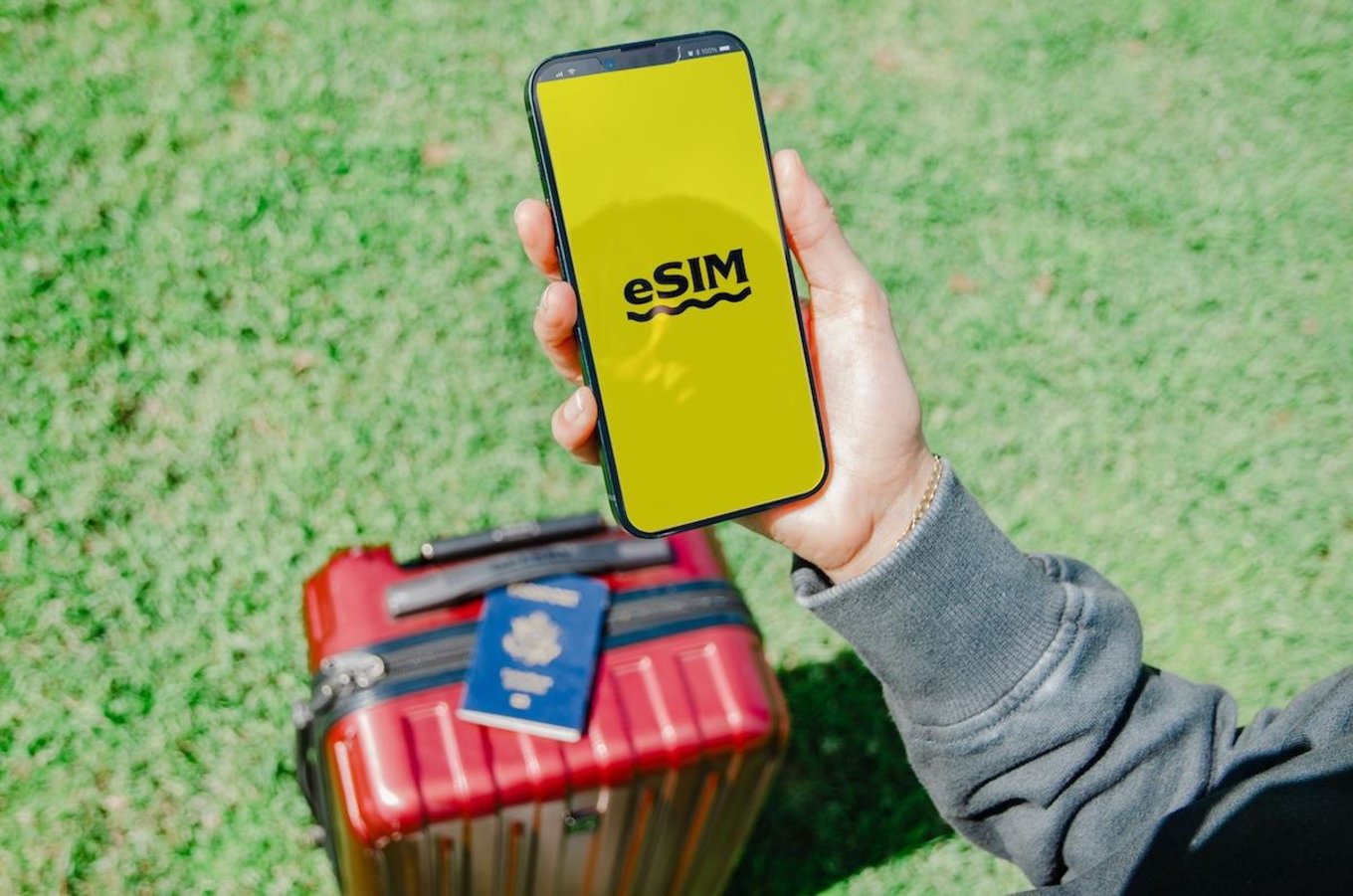
Picture the arrivals hall at Beijing Capital: your phone's at 40%, your ride is waiting, and your map app is spinning. A China eSIM fixes that moment before it happens. It's a digital SIM you install at home, so there's no counter queue and no tiny SIM tray to open.
This guide covers how to buy a plan, how to install it on iPhone and Android, and what to do if it won't connect. If the idea is new to you, start with our explainer on
what an eSIM card is.
We'll also compare China-only plans with China, Hong Kong and Macau plans, since your route decides the right pick. Phones that can't use an eSIM get a fallback section near the end. Plan details below were checked against the live pages in November 2026, and prices move with promos.
China eSIM, SIM card or pocket WiFi: which one wins?
Your connection choice shapes the first hour in China more than most people expect. All three options work, but they ask different things of you before you fly. Here's how they compare.
| eSIM | SIM card | Pocket WiFi |
|---|
Setup | Install by QR code or in the app before you fly | Collect at an airport counter and swap your SIM | Collect a device at an airport counter and charge it daily |
Works on | Unlocked, eSIM-ready phones | Phones with a free physical SIM slot | Any device with Wi-Fi |
Your home number | Stays active on your main SIM | Usually off while the China SIM is in | Untouched |
Sharing | Hotspot supported with Klook plans | Depends on the plan | Several devices on one unit |
Cost | From USD 3.09 for China only | Varies by data and days | Daily rental, plus a deposit on some units |
Best for | Solo trips, couples and short stays | Phones that can't use an eSIM | Groups, tablets and laptops |
Watch out for | Your phone must support eSIM | Passport registration and SIM swapping | One more gadget to charge and return |
If you have a recent phone, a China eSIM is the easiest route. You set it up from home on WiFi, keep your own number on your main SIM, and skip the airport counter. It also avoids the registration step that local carriers usually ask you to complete for a physical China SIM card.
However, if your phone doesn't support eSIMs or you're hoping to share data across multiple devices in a group, a physical SIM card or pocket WiFi might be the better way to go. We'll break down both options in the fallback section below.
Best eSIM for China: China-only or China, Hong Kong and Macau?
The best eSIM for China depends on your route more than the brand. If you're staying on the mainland, the
China eSIM runs on China Unicom's network and starts from USD 3.09. Plans run 1 to 30 days, with data from 500MB up to unlimited. It's data-only, so calls and texts stay on your home SIM.
A China eSIM unlimited data plan gives you up to 15GB a day at full speed, then slows to 1 Mbps for the rest of that day. That's plenty for maps, translation and video calls, but heavy hotspot use can hit the cap early. You might also see "China Mobile eSIM" in search results. China Mobile is the country's biggest carrier, but Klook's China plan runs on China Unicom, so check the network named on any listing before you compare prices.
Crossing into Hong Kong or Macau? A China Hong Kong Macau eSIM saves you swapping plans at the border. The
Hong Kong and Macau eSIM uses CSL in Hong Kong, China Unicom on the mainland and CTM in Macau.
It runs 1 to 30 days too, with the same 15GB-a-day limit on unlimited plans. Check the plan page for today's price, since it changes by length and data. Only visiting Hong Kong? Our Hong Kong eSIM guide is the better fit for that trip.
Adding Japan, Korea or Thailand to the same trip? The
5G eSIM Asia plan covers 13 destinations, including mainland China, Hong Kong and Macau, from USD 4.05.
Validity starts when it first connects in a covered country, so keep it switched off until the leg of your trip you're buying it for. Comparing more regions? Our
best eSIM for travel roundup covers them.
Klook Tip: Unused data on these plans can go into a Data Bank in the Klook app for a future trip. Some partial refunds also come with 10% extra as KlookCash. Refunds are at Klook's discretion, so read the refund terms on your plan page before you pay.
China eSIM no VPN: what the listing actually says
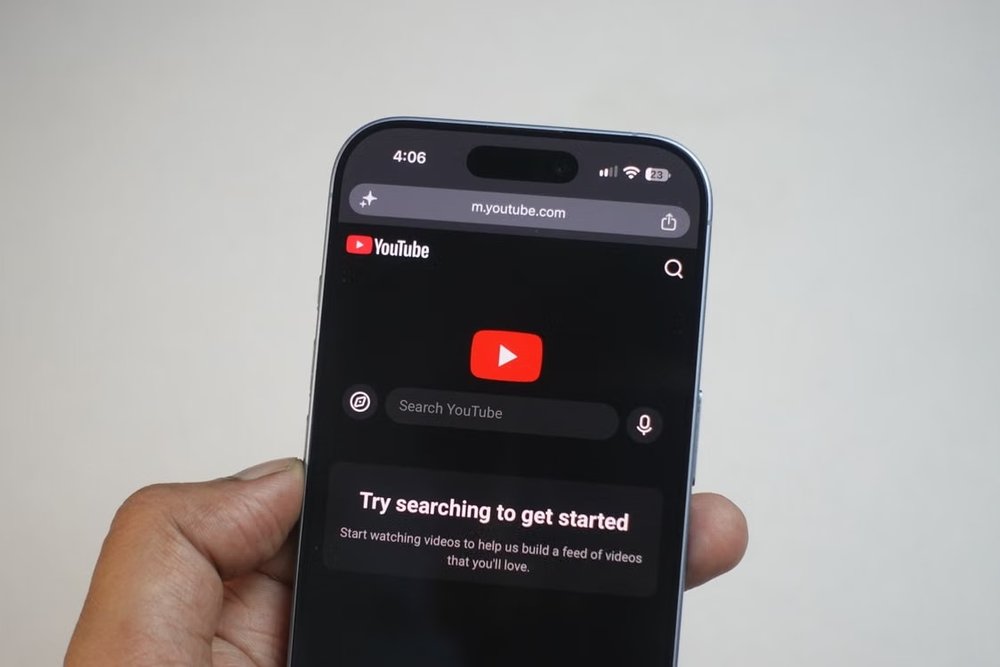
Using YouTube in China | Image credit: Deepanker Verma via Pexels
Many apps you probably use daily, like Google, WhatsApp and Instagram, are restricted on local mainland networks. That's why "China eSIM no VPN" is one of the first things people search.
With data routed through an international upstream network, Klook's China eSIM supports access to popular services such as Google, WhatsApp, Instagram, Facebook, YouTube, TikTok and AI chat tools without the need for a VPN. Please note that access is subject to network conditions and local regulations, so availability may vary.
Hotel and coffee shop WiFi typically connects through local networks, so apps and websites that are restricted in mainland China may still be inaccessible, even if your eSIM supports access without a VPN. You may need to switch to your eSIM's mobile data instead. If you're using the China, Hong Kong and Macau eSIM, check the plan details before purchasing, as its network routing is not specified.
Klook Tip: Test the apps you can't live without right after you land, while your home SIM or airport Wi-Fi is still there as a backup.
How to install an eSIM for China (iPhone and Android)
The install takes a few minutes, and it's much easier at home than at the arrivals gate. Here's how to install a China eSIM from Klook, step by step. Menu names vary slightly by phone model and software version.
When to install: before you fly or after you land?
Install your eSIM before you fly, while you're still connected to your home Wi-Fi. Depending on your plan, you can activate it through the Klook app, scan the QR code or enter the SM-DP+ details manually. You can install the eSIM ahead of your trip without using it straight away. Your plan validity only begins when the eSIM first connects to a network in China.
You can also install it after arriving in China, but you'll need an internet connection to download the eSIM profile. To avoid the hassle of finding a connection as soon as you land, it's best to set everything up before departure.
iPhone
Open your eSIM booking in the Klook app and choose in-app activation if you see it.
Or go to Settings > Cellular (Mobile Data in some regions) > Add eSIM > Use QR Code, and scan the code from your booking.
Only have one device? You can't scan a QR code from the same screen, so use in-app activation or choose Enter Details Manually and type in the SM-DP+ address and activation code.
Label the new line "China" so you can spot it later.
Android
Open your eSIM booking in the Klook app and choose in-app activation if you see it.
On Samsung, go to Settings > Connections > SIM manager > Add eSIM > Scan QR code. On Pixel, go to Settings > Network & internet > SIMs > Add SIM.
Scan the QR code, or enter the SM-DP+ details manually if you're on a single device.
Give the line a clear name, like "China".
Switch it on after you land
Turn on the China eSIM line.
Under Mobile Data (Cellular Data on iPhone), select the China eSIM as your data line.
Turn Data Roaming on for the China eSIM line only.
Turn Data Roaming off on your home SIM, so you don't pick up roaming charges.
Give it a few minutes to find a signal.
If activation fails
Check that your phone is unlocked and eSIM-capable, since carrier-locked phones can block new eSIMs.
Confirm the eSIM line is on, selected for mobile data, and set to roam.
Switch Airplane mode on and off, then restart your phone.
Don't delete the eSIM to start over unless support tells you to, because many eSIM QR codes only install once.
Still stuck? In the Klook app, go to Account > Bookings > your eSIM booking and contact customer support.
Which China eSIM should you choose?
Family travelling in China | Image credit: Markus Winkler via Pexels
Your route matters more than your budget here. A quick match by traveler type:
Solo traveler: Choose a China-only plan sized to your trip, anywhere between 1 and 30 days. Go unlimited if you lean on maps, translation and video calls every day.
Group or family: Each person needs an eSIM-ready phone, or one person shares a hotspot. Hotspot is supported, but sharing burns data fast, so pick unlimited or consider a pocket WiFi.
Multi-city China trip: One mainland China plan covers every city, so you won't swap anything between Beijing, Chengdu and Shenzhen.
China plus Hong Kong or Macau: Pick the China, Hong Kong and Macau plan, so you aren't changing eSIMs at the border.
China plus other Asian countries: The Asia plan covers 13 destinations on one eSIM.
Where your China eSIM earns its keep
Universal Studios Beijing | Image credit: 虎 曼 via Pexels
Data matters most on days when you're juggling tickets, meeting points and translation apps. These stops are where we'd have it switched on.
Forbidden City, Beijing
USD 12.95 gets you standard entry with the
Forbidden City ticket, but you have to reserve ahead. Entry runs on the passport you booked with, so there's no QR voucher to load. The catch is timing: official sales open 7 days ahead, and earlier bookings are pre-sales that need manual reconfirmation.
Mutianyu Great Wall, Beijing
The
Mutianyu Great Wall is the Beijing day trip where data matters most. The
Mutianyu day tour starts from USD 11.15 and runs 7 to 9 hours. Hotel pickup is optional, and details arrive the day before, so you'll want data to check messages. It's a long day, so pack water.
Chengdu giant pandas
Go early if you want active pandas. The
panda base ticket starts at USD 8.35 for admission only, and hours run 8:00 AM to 5:30 PM November to February or 7:30 AM to 6:00 PM March to October. Orders placed before 3:00 PM cover the next day, so you can book from your phone the night before.
Universal Studios Beijing
Entry at Universal Studios Beijing uses the same passport you booked with, so there's nothing to pull up at the gate. The
Universal Studios Beijing ticket starts from USD 52.89 for a 1-day pass. Some packages need 24 or 48 hours to confirm, so book a few days ahead and keep your data on for maps inside the resort.
Shenzhen and Window of the World
If you're coming from Hong Kong,
Shenzhen is likely where you cross into the mainland, which is exactly when a combined plan pays off.
Window of the World is a major stop there, with replicas of world landmarks. Keep a translation app ready for ordering food and reading signs.
Canton Tower, Guangzhou
Canton Tower is Guangzhou's skyline landmark, and the metro runs to a station of the same name. It looks best after dark, when the tower is lit up. Download offline maps as a backup, then rely on your eSIM data to find a good meal nearby.
No eSIM on your phone? China SIM card and pocket WiFi are your backup
Older phones and carrier-locked ones can't take an eSIM, and that's fine. A China SIM card is a physical prepaid SIM you collect at an airport counter and swap into your phone. Local carriers usually ask you to register with a passport, and your home SIM sits out of the phone while it's in, so keep it somewhere safe.
A China pocket WiFi is a small rented hotspot you collect and return at an airport counter. It suits groups, tablets and laptops, because one unit shares a connection with several devices. The trade-offs are another gadget to charge, a deposit on some units, and a trip back to the counter before you fly home.
Availability and pickup airports change often, so check the current listing before you commit to either option.
FAQs about China eSIM
What is the best eSIM for China?
The best eSIM for China is the one that matches your route. For a mainland-only trip, Klook's China eSIM on China Unicom starts from USD 3.09, and for border-hopping the China, Hong Kong and Macau plan covers all three on one eSIM. Check plan length and your hotspot needs before you pay.
Do I need a VPN to use a China eSIM?
Klook's China eSIM listing says you don't, because data is routed through an international upstream network. That's the provider's claim, though, so test your key apps when you land. Hotel Wi-Fi still uses the local network, so use your eSIM data when you test.
How do I install an eSIM for China?
Install it from your eSIM booking in the Klook app, or scan the QR code, on home Wi-Fi before you fly. Keep it off until you land, then select it for mobile data and switch on data roaming for that line only. The full iPhone and Android steps are above, including what to do if it won't connect.
Does my phone support eSIM?
Most recent phones do, including iPhone XS and later, Pixel 3 and later, and Samsung Galaxy S20 and later. Your phone also has to be carrier-unlocked, and iPhones bought in mainland China often lack eSIM support. Dial *#06# and look for an EID number, or check our list of
eSIM compatible devices before you book.
Do I need to register with my passport to use a China eSIM?
Klook's China eSIM listing doesn't mention a passport or real-name registration step, so there's nothing to submit before you connect. Physical SIM cards are different, since carriers there usually ask you to register with a passport. Check your booking's instructions in case anything changes.
Can I share a hotspot with a China eSIM?
Yes, hotspot sharing is supported with Klook's China eSIM plans. The listing doesn't state a separate hotspot cap, but sharing uses data fast, and unlimited plans slow to 1 Mbps after 15GB in a day. If you're sharing with a group, plan for that.
Is an eSIM, SIM card or pocket WiFi better for China?
If your phone is eSIM-ready, an eSIM is usually the better pick. It's set up before you fly, keeps your home number on, and needs no counter pickup. A pocket WiFi suits groups and devices without cellular, and a physical SIM card is the fallback for phones that can't use an eSIM.
Ready to land online in China?
Chengdu, 8 AM: your panda ticket is on screen and the map's already loading. That's the whole point of sorting your China eSIM before you fly. Pick your plan, install it tonight on home WiFi, and keep it switched off until you touch down. Your plan is a few taps away in the Klook app.
More China travel guides for you
What is Klook?
Klook is a leading pan-regional experiences platform in Asia Pacific, purpose built to digitalize experiences and make them accessible to every traveler.
Our mission is to build the digital infrastructure for the global experience economy — empowering merchants to share their passions and travelers to discover the heartbeat of each destination. We operate a mobile-first, curated platform featuring diverse experiences across global destinations.