

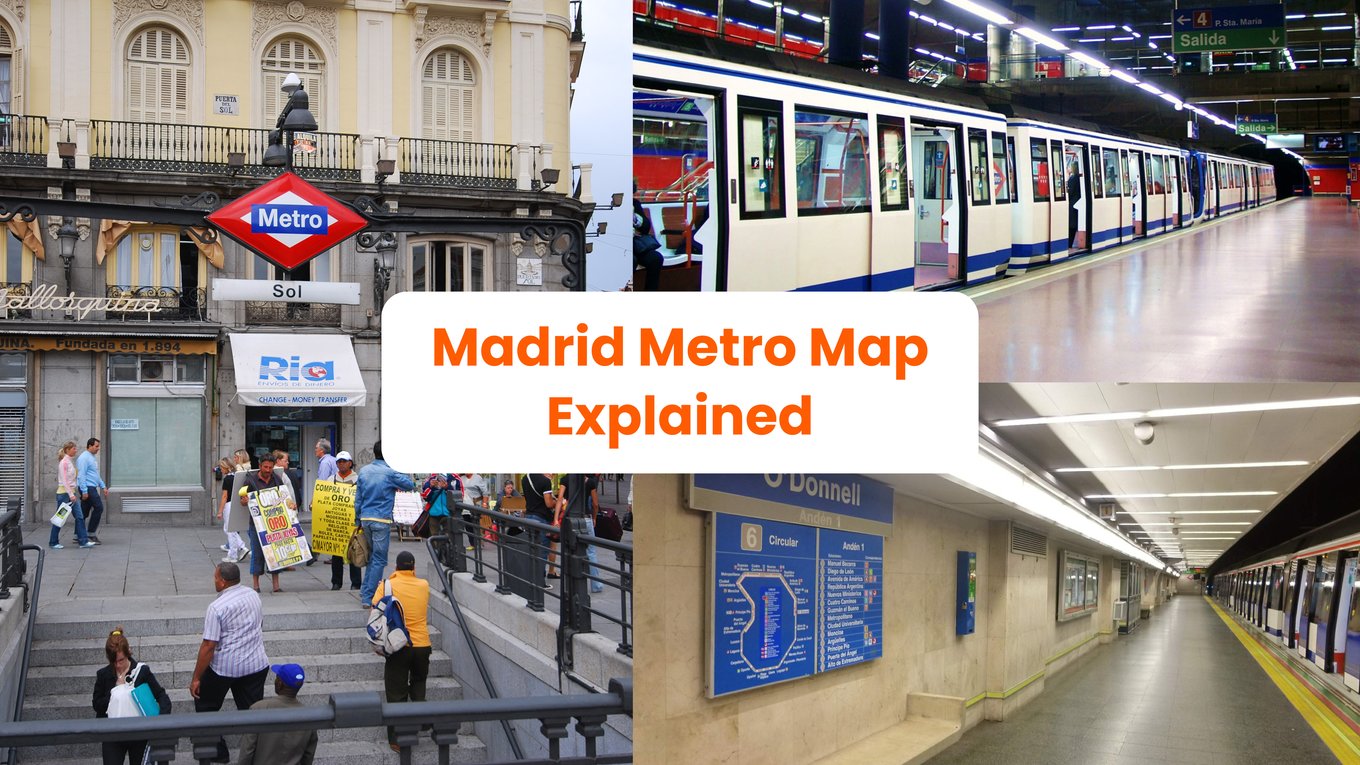
So, it’s your first time coming to Madrid, and you might be wondering how to get around the city. We know how scary navigating a new place can be, but luckily, the Madrid metro is one of the easiest ways to explore the capital of Spain. You can easily go from the historic streets of La Latina to modern districts like Salamanca in just a few stations. The Madrid Metro Map may look intimidating at first, with how its lines criss-cross and sprawl against each other. But once you master Madrid’s metro system, we promise you’ll find your way through the city like a pro. And you won’t be alone! We’re here to guide you through everything you need to know about the Madrid Metro Map, from reading the map and understanding the different zones to buying tickets and navigating the city like a local.
Madrid Metro Map at a Glance
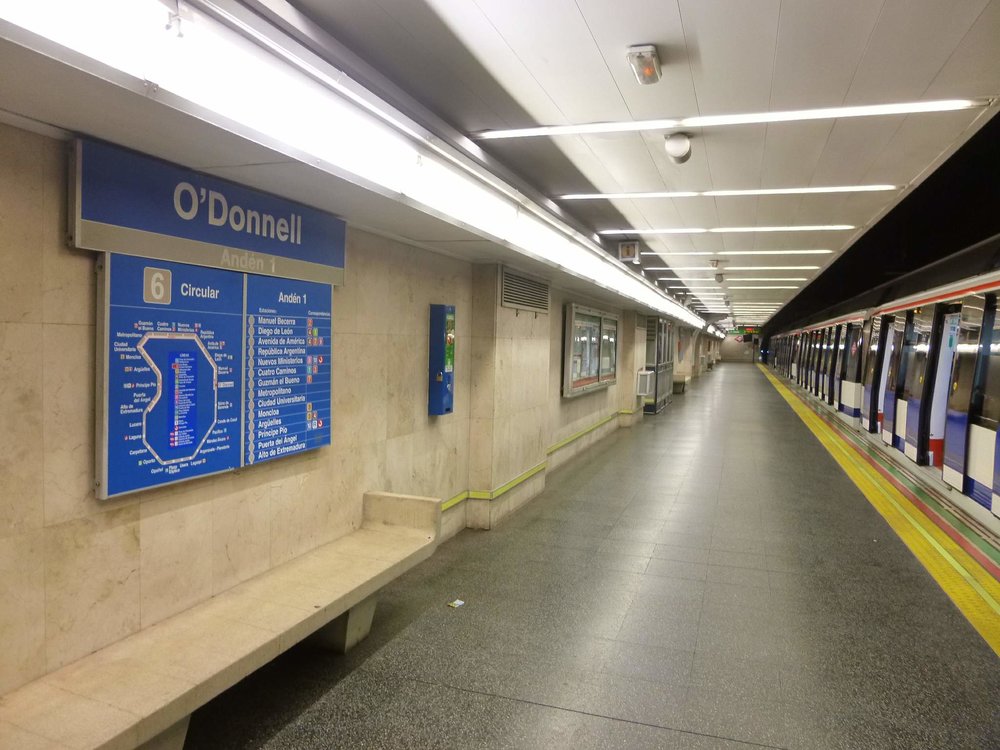
Madrid Metro’s Line 6 network displayed at O’Donnell Station / Credits: Zarateman on Wikimedia Commons
Madrid Metro Lines
The Madrid Metro is made up of 12 lines spread across the city. Each line is specifically named after a number and is assigned a color, which is used throughout the signage, platforms, and train doors to help you recognize where you’re headed and where you need to go.
Understanding the Zones
This network is divided into four main zones:
- Zone A: For first-timers who plan on doing touristy stuff like visiting the Plaza Mayor, Royal Palace of Madrid, and El Retiro Park, familiarizing yourself with Zone A is all you need to worry about. It encompasses the entire central area of Madrid, where most of the city’s attractions and hotels are located. The best part? If you’re traveling within Zone A, you can travel anywhere within for the same price, whether it’s one or ten stops away from your starting station.
- Zone B1, B2, B3: These zones cover the suburban area outside the city center, mostly comprising residential districts. Travelers sometimes opt to stay in Zone B1 for more affordable accommodations, while Zone B2 and B3 reach quieter neighborhoods and municipalities. Unless you’re planning to visit a friend or relative outside the central area, you’re likely to spend most of your time in Zone A.
Note: Downloadable PDF files of the Madrid Metro Map can be found on the official Madrid Metro website.
How to Read the Madrid Metro Map
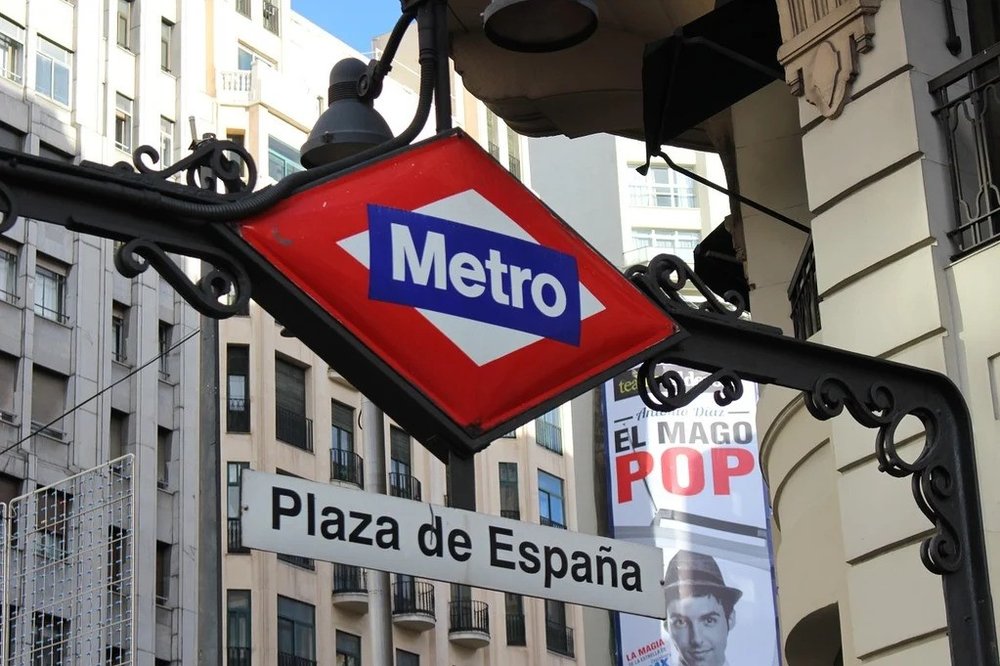
Metro sign of Plaza de España station / Credits: Picryl
To figure out where you need to go, the first thing you need to do is find your current station (or the one closest to you) on the map and locate the destination you want to go to. If both stations are on the same colored line, it’s a direct ride (meaning you won’t need to get on another train). But if they’re on separate lines, you’ll see circles where lines intersect on the map that show you where you can transfer and move between lines.
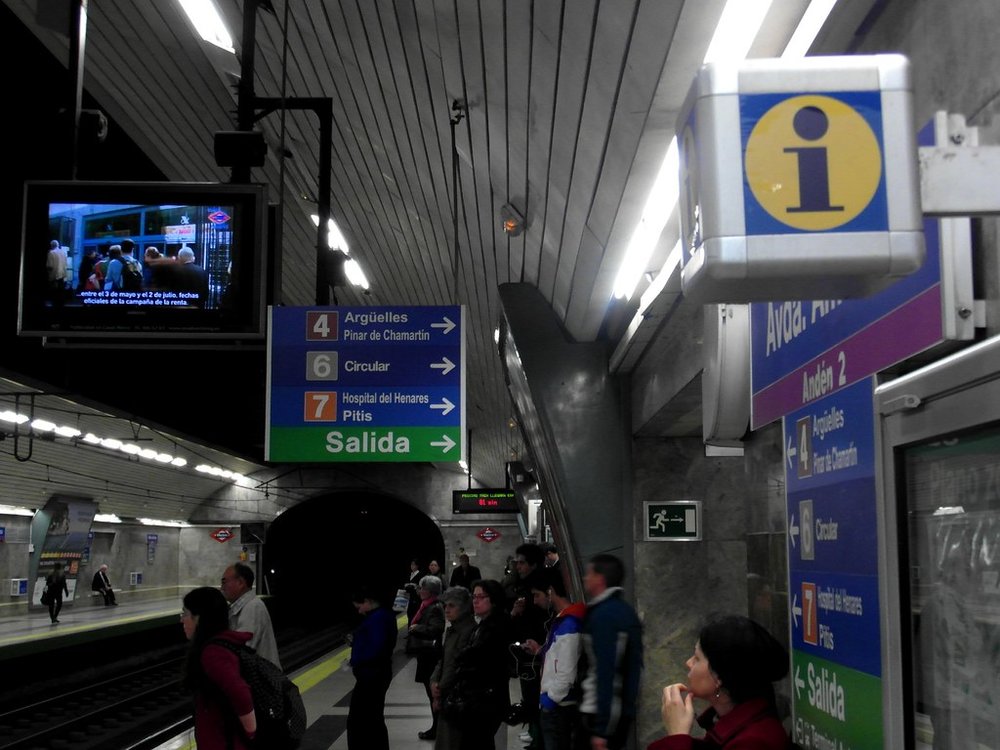
Directional and exit signs at Avenida de América platform / Credits: Ingolf on Flickr
To get anywhere in Madrid, it’s essential to know which direction you need to go. Signs in the actual metro are organized around the lines, and the last station on that line is how you’ll know which way you’re going. Platforms will always have the last stop of the direction you’re headed toward on display. As long as the end station matches the direction of your train, you’re on the right track. After all, the last thing you want is the in
convenience of hopping in the opposite direction and ending up further from where you need to be and finding your way back, right?
For example: If you’re riding Line 1, you’ll see signs pointing either toward Pinar de Chamartín or Valdecarros, the two final stations of the line. If your destination is headed toward the direction of Pinar de Chamartin, that’s where you need to go, and vice versa to Valdecaros.
Madrid Metro Passes
Buying Tickets: Tarjeta Multi
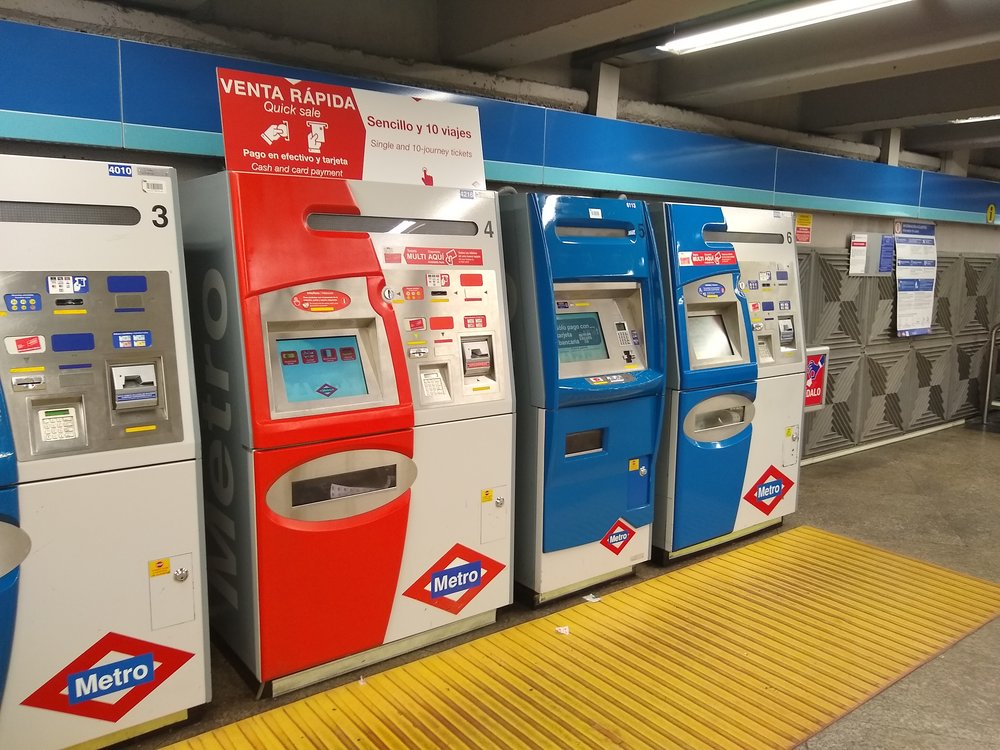
A row of Madrid Metro ticket machines / Credits: Snooze123 on Wikimedia Commons
For your Madrid subway pass, take note that there are no paper tickets available on the metro. Instead, fares are loaded onto the Tarjeta Multi, or the Multi Card. How do you get this card? When you get down to the station, look for the machines and find one that says “Multi Aquí,” where you can purchase the card. Here, you can pay with your phone, card, or cash, depending on the type of machine.
When using the machine, there’s an option to switch the language to English so that the menu is easier to follow for non-Spanish speakers. If you already own a Multi Card, simply drop the card on the reader to load new tickets. But if you’re getting a card for the first time, select the “purchase transport card” option. You’ll be given a few ticket options to choose from, including a single journey, 10-journey ticket, airport, and tourist ticket.
Klook Tip: If you’re coming from the airport, you’ll notice that the airport option is actually a supplement fee of €3 (~USD $ 3.45) that must be loaded onto the card to enter or exit the airport metro stations.
Choosing your Tickets
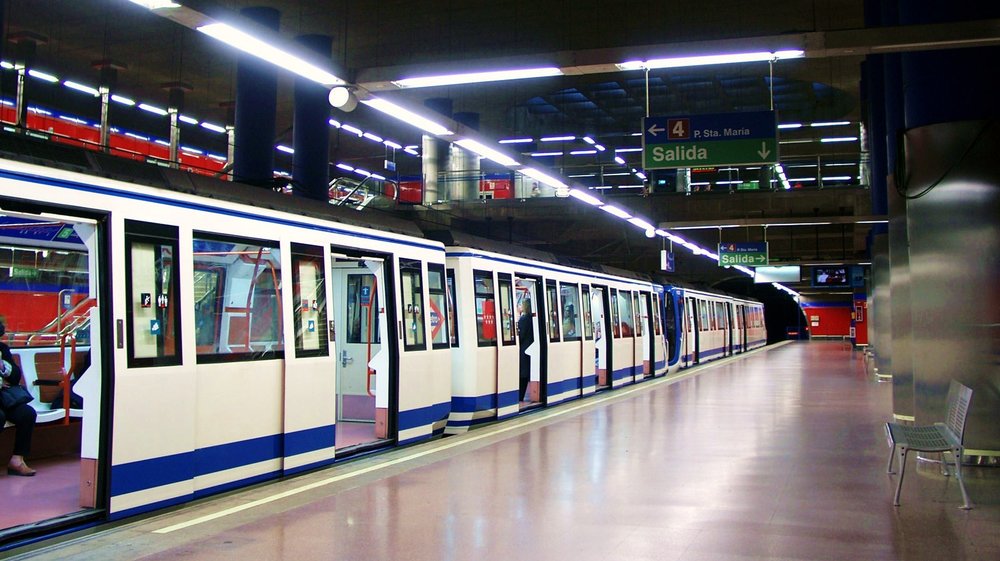
Train awaits at the platform at Mar de Cristal station / Credits: Daniel Erler on Wikimedia Commons
So, which ticket should you choose? If you’re only using the metro once, the single journey option costs around €1.50–2 (~USD $1.70–2.30) depending on how many stations you’re passing. This ticket must also be used on the day of purchase.
Note: Travel gets more expensive as you venture outside the center and into Zones B1, B2, and B3. These zones extend into Madrid's metropolitan area and surrounding towns, but again, it’s not too common for tourists to venture out to these areas.
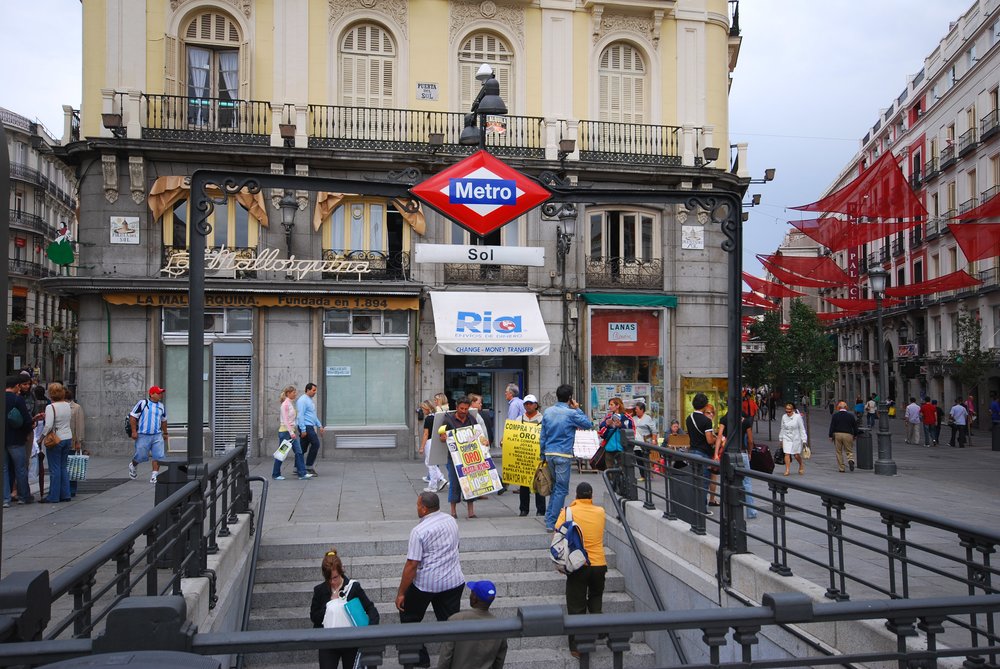
Street-level entrance to Sol station at the Puerta del Sol square / Credits: Eric Chan on Flickr
If you plan on doing most of the tourist activities, we recommend the 10-journey ticket. It costs around €12.20 (~USD $14) and is the most flexible and cost-efficient option if the metro is your main mode of transportation. It covers all of Zone A, works on the city bus system, and gives you the most flexibility to get around. You can even share this card with multiple people, which is convenient if you’re traveling with a companion or in a group.
There’s also a tourist card available at €10–42 (~USD $11.50–48.40) for 1–7 days, which includes unlimited rides in Zone A, the price of the Multi Card, and the airport supplement. The downside of this option is that it can’t be shared.
Navigating the Metro System
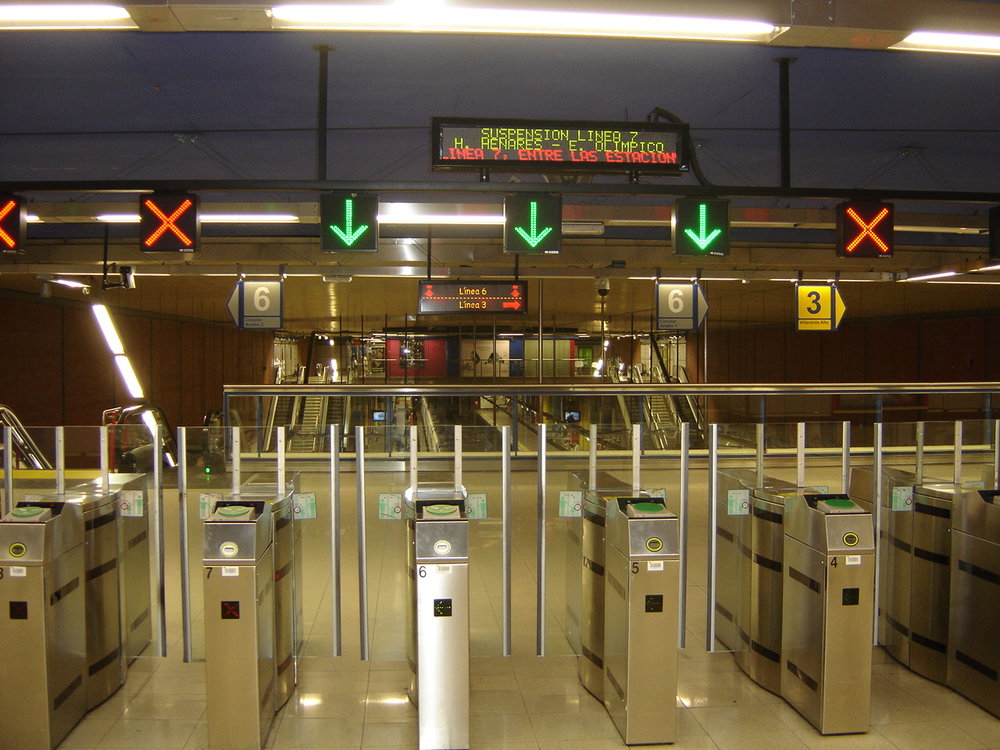
Madrid Metro ticket barriers / Credits: Ba-sr on Wikimedia Commons
Once you’re at the station, all you need to do is tap your card on the barrier and walk through. If you’re sharing the card, one person will tap first and hand it back to the next person. If you’re with kids, they can typically go through for free.
Again, the key is knowing which line you’re riding and the direction you’re going. From there, you can count how many stations it’ll take to get to your destination and which lines intersect with the specific line you’re riding, so you can prepare for when or if you need to change lines. Inside the train, you can also check the list of stops above the doors to know when your station is approaching. When you reach your stop, simply follow the Salida (exit) signs out of the station; no need to tap your card again.
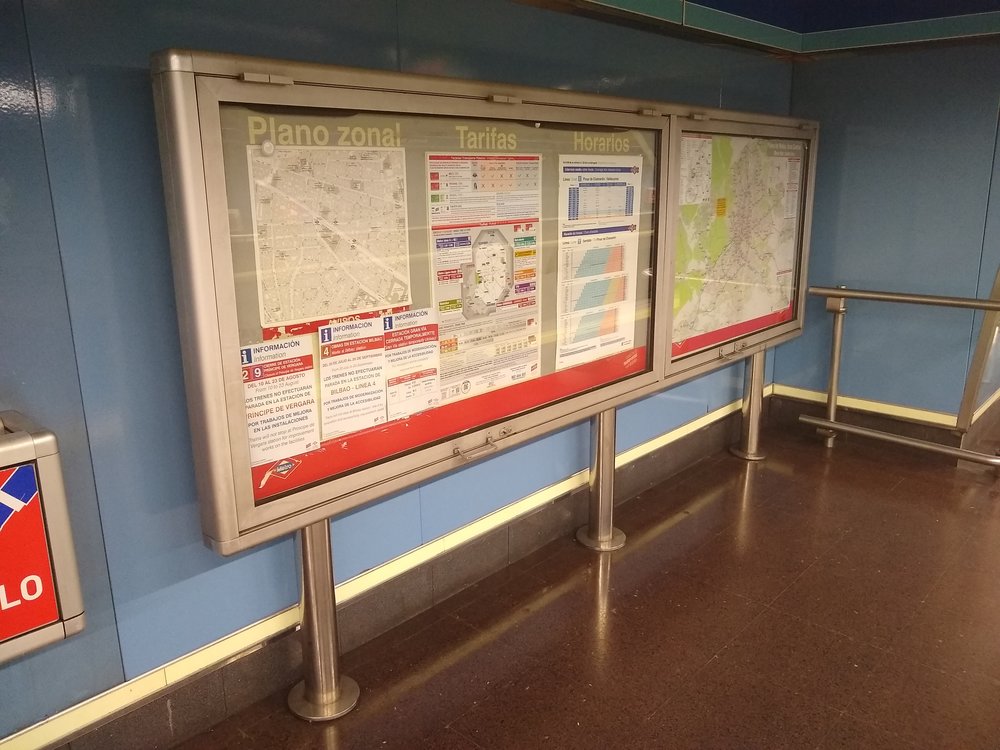
Information board displayed at a Madrid Metro station / Credits: Snooze123 on Wikimedia Commons
If you think you’re getting lost, don’t worry! There are maps displayed on the station wall for reference, and you can also grab paper maps at information booths to keep on hand. Apps are also useful for planning your metro rides. We recommend downloading Google Maps, which is already integrated with the metro system. Another great alternative is the City Mapper, similar to the first but with a few more features. In City Mapper, you can tap “Metro” to conveniently find the metro stops near you, the lines, and when to expect upcoming trains.
Klook Tip: To ensure stable connection and seamless navigation on the metro, we highly recommend getting a 5G eSIM Spain for your travel!
Operating Hours
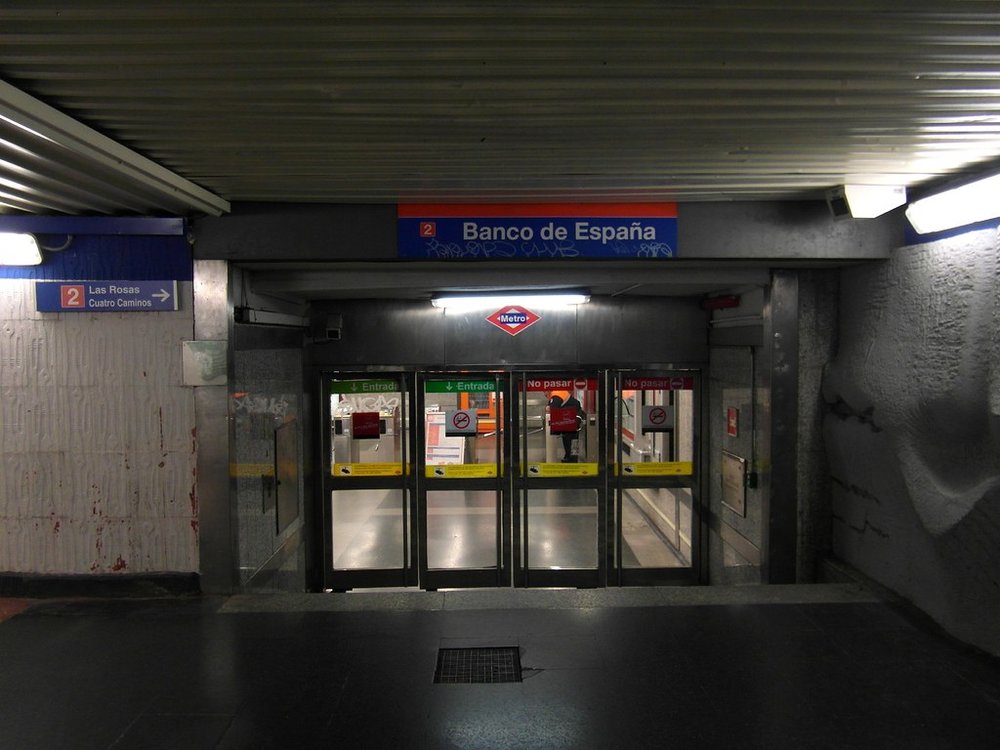
Entrance to Banco de España station / Credits: Ingolf on Flickr
The metro operates daily from 6:00 AM to 1:30 AM.
Unfortunately, the metro is not open 24 hours, so plan for buses or taxis if you’re out past the latest train. Also note that as the final operating hours approach, transfers between lines aren't guaranteed. But during the day, this won’t be a problem at all, as trains operate frequently and efficiently.
Expected train arrival:
- Peak hours: every 3–6 minutes
- Off-peak: every 10–15 minutes
Ready to Navigate the Madrid Metro?
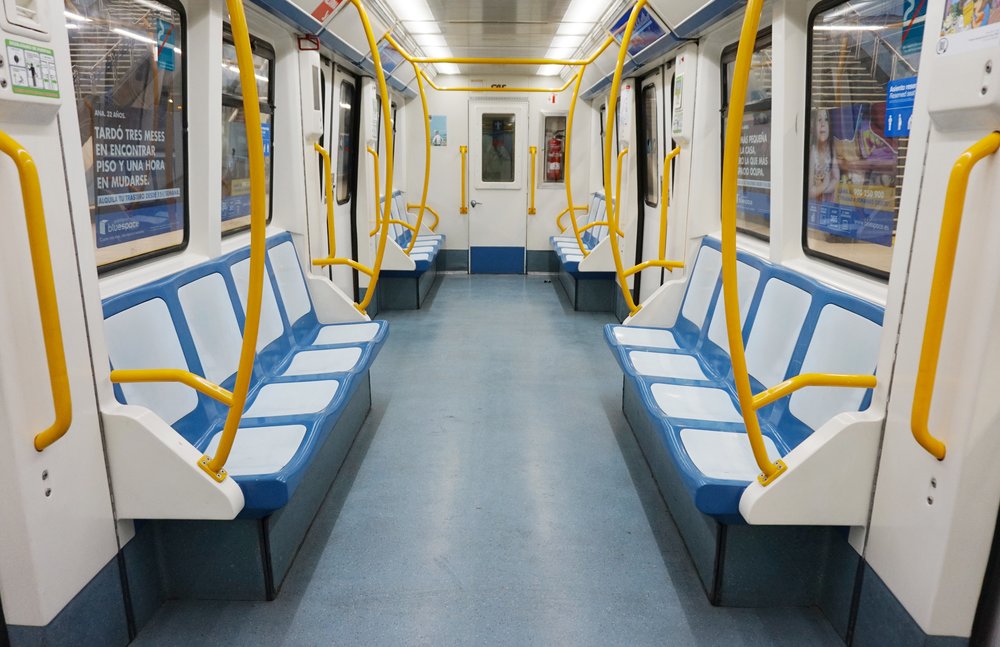
Madrid Metro interior / Credits: Tiia Monto on Wikimedia Commons
So, are you ready to explore Madrid with confidence? Once you experience riding Madrid’s metro system and get a hang of its numbered and color-coded lines, station signage, and transfer routes, you’ll soon realize how easy it is to navigate your way through the city. But of course, having your routes and itinerary planned will make your visit much smoother. To maximize your Madrid adventure, consider getting the Klook Pass Madrid, which bundles 3-6 major attractions and activities so you can explore the city to the fullest!
FAQs About Madrid Metro Map
How many lines and stations does the Madrid metro system have, and how is it organized?
The Madrid metro system has 12 numbered lines and over 300 stations covering the entire metropolitan area. Each line is identified by a specific number and color on the metro map for easy navigation. The network is divided into four main zones, consisting of Zone A, B1, B2, and B3, with Zone A covering all major tourist destinations. These are then organized throughout stations with color-coded platforms and directional signs that are easy for first-time visitors to follow.
What is the fare structure for the Madrid metro and how to use it?
Fares are based on zones and the type of ticket you buy. Most visitors stick to Zone A, where tickets are cheapest, while fare costs increase as you venture out of the zones. The metro doesn’t use paper tickets, so you’ll need a reloadable Multi Card (Tarjeta Multi). You can load this with single rides, 10-journey tickets, or tourist passes. When using this card at the station, all you need to do is tap it on the reader at the turnstile and wait for the gate to open automatically.
How do you read the Madrid metro map and plan transfers between lines?
Start by identifying your starting station and destination on the map. Follow the colored line to see if there’s a direct route; if not, search for the nearest transfer station where your lines intersect. Check the platforms to see the last station of the direction you’re headed to confirm you’re going to the right place.
Are there any tips for avoiding crowds or rush hour on the Madrid metro?
For a hassle-free ride, plan your routes in advance and take note of rush hour. For a more relaxed and comfortable ride, avoid traveling during peak hours (around 7:30 - 9:30 AM and 6 - 8 PM). Tourist hubs like Sol and Gran Vía stay busy throughout the day, but riding a little earlier or later can make your trips more comfortable. Airport-bound trains also get crowded, so allow extra time if you’re catching a flight.
Does the Madrid metro cover major tourist areas, or do you need other transport modes?
Yes! The metro covers all popular tourist areas, including the historic center, shopping districts, and major museums. You can reach Sol, Gran Vía, Retiro, Opera, and even access the city bus if needed. For areas just outside the station, walking is usually the best option since Madrid’s streets are pedestrian-friendly.
What is Klook?
Klook is a leading pan-regional experiences platform in Asia Pacific, purpose built to digitalize experiences and make them accessible to every traveler.
Our mission is to build the digital infrastructure for the global experience economy — empowering merchants to share their passions and travelers to discover the heartbeat of each destination. We operate a mobile-first, curated platform featuring diverse experiences across global destinations.
✨ Follow us for more deals and inspiration for your upcoming travels