Tokai Bus Digital Ticket for Izu Peninsula, Atami and Mishma
3 reviews
100+ booked
Departing from Atami
Izu
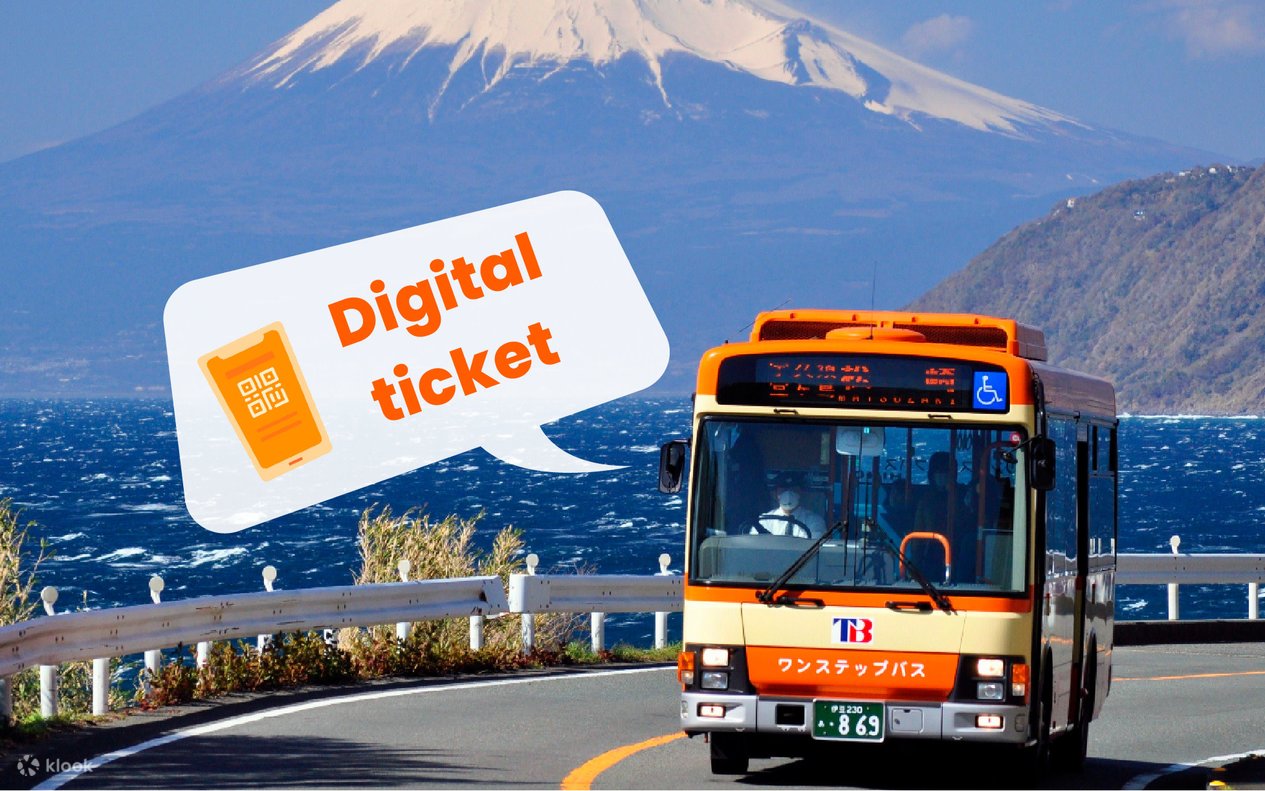

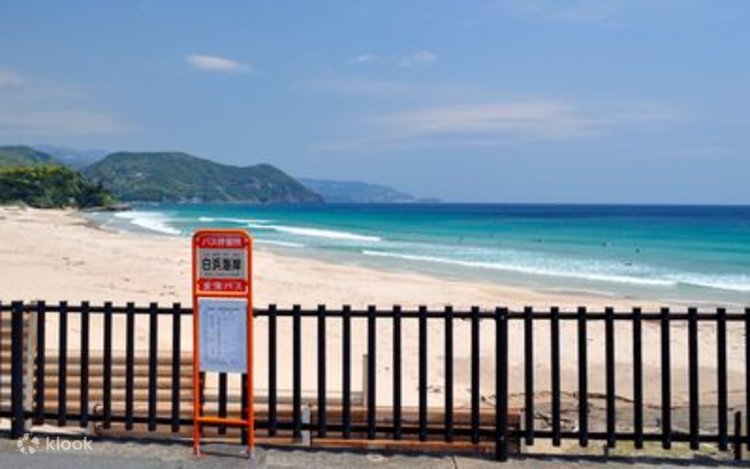
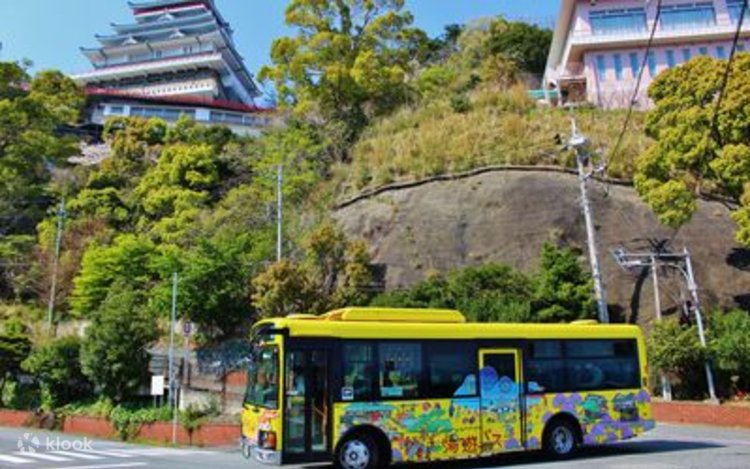

- Klook exclusive e-ticket: Simply display your e-ticket to board the bus — no need to pick up a physical ticket
- Scenic exploration: Travel across Tokai bus lines for up to 3 days, making it easy to explore the scenic areas of the Izu Peninsula
- Cost-effective travel: Ideal for budget-conscious travelers, this pass covers multiple routes and destinations, offering great value for money
What to expect
What is Tokai Bus Ticket?
The Tokai Bus Ticket offers unlimited rides on Tokai buses within the Izu Peninsula, from 1 day to 3 days, perfect for tourists exploring Atami, Izu, Mishima, and more.

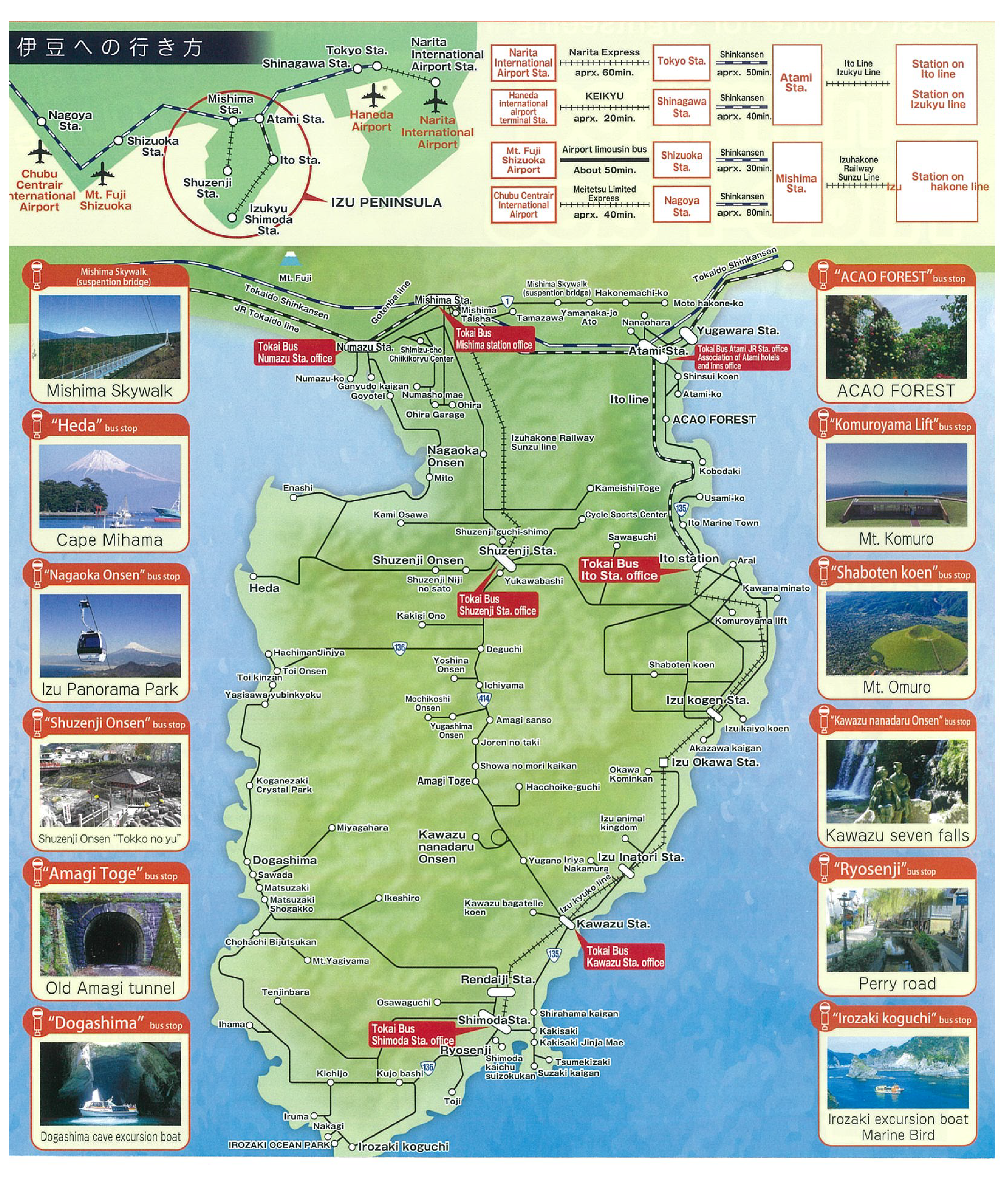
Tokai Bus Ticket for Izu Peninsula
This ticket takes you to popular spots like Atami, Mishima Skywalk, Mt. Omuro, Shaboten Park, and more.
Tokai Bus Ticket for Atami
Use this ticket to explore Atami, including popular spots like Atami Castle, Sun Beach, and more.
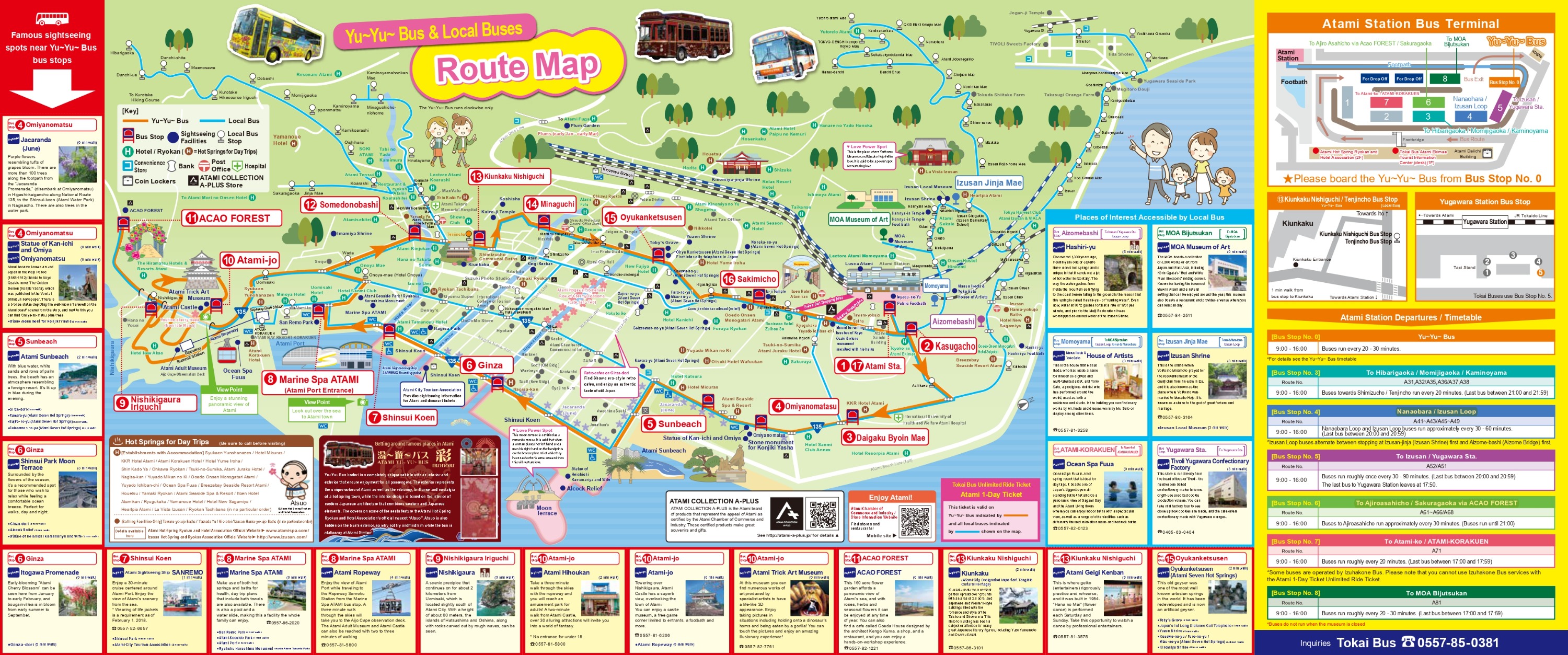
Tokai Bus Ticket for Mishima Peninsula
This ticket lets you explore Mishima, including popular attractions like Mishima Skywalk, Izu Fruit Park, and more.
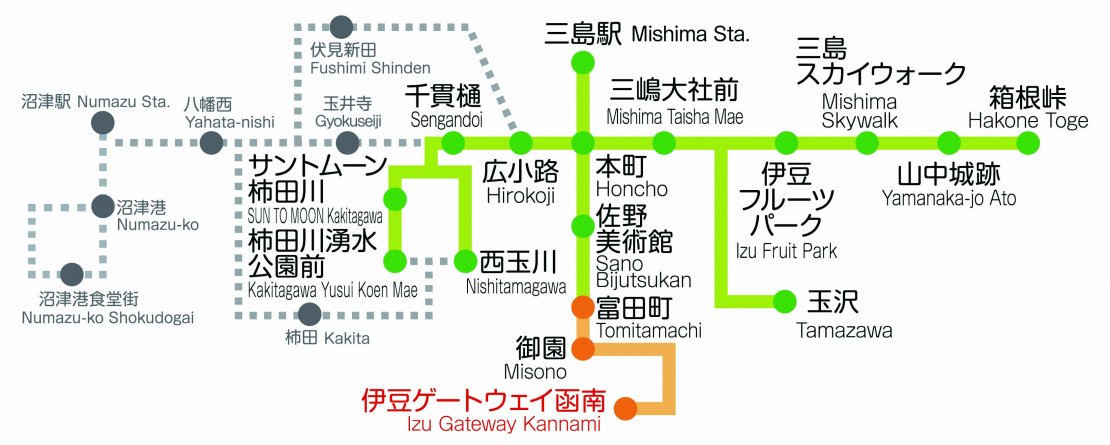



Good to know
Confirmation
- You'll get confirmation within minutes. If you don't see any confirmation, reach out to our customer support.
Eligibility
- Children aged 13+ will be charged the same rate as adults
- A paying adult can bring two infants aged 6 and under free of charge. A child ticket will be required for each additional infant
Additional information
- Different accessibility is provided for locations, please refer to the locations website before the visit
- Please check the timetable here
How to use Tokai Bus E-ticket
- On your travel date, follow these steps to activate your Tokai Bus E-ticket:
① Log into the Klook account ② Go to ‘All Booking’ and tap the ‘package name’ ③ Tap ‘See voucher’ ④ Present the E-ticket to bus driver or station staff when boarding
Important
- Make sure you have an internet connection; taking screenshots to board the train and bus is not allowed
- Fares for other companies' trains/buses are not included. If you use other companies, please pay separately for ordinary passenger fares
- If booking for multiple people, travel together as a group; if traveling separately, please make individual bookings
Location
Contact us
Got a question about this activity? Ask us on live chat!