Photos
About the event
Exhibition Introduction
The world's first entirely computer-animated feature film, Toy Story, was created and shown in 1995. Since then, Pixar Animation Studios has been creating many groundbreaking popular films, from the Toy Story and Cars movies to their latest film, Luca. But how do artists and computer scientists work together and use their creativity, imagination, artistry and computer technology to introduce a new medium for storytelling?
"The Science Behind Pixar" exhibition, developed by the Museum of Science, Boston, in collaboration with Pixar Animation Studios, aims to take visitors through the mysterious filmmaking process and offers them an unparalleled insight into the production pipeline and how science, technology, engineering, art and maths (STEAM) concepts are ingeniously merged together to create the lively characters and realistic scenes we see on screen.
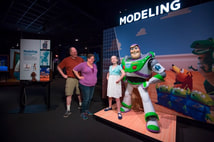
With more than 50 fun and engaging interactive exhibits, maquettes, models, and videos, the exhibition is organised into eight sections, each focusing on a step of Pixar's technical process. Besides informative and enlightening videos, visitors will experience different roles within the production pipeline, through screen-based activities and physical interactive elements providing a behind-the-scenes immersive look at these processes. In Modeling, for example, visitors will have the opportunity to create a digital sculpture from an artist's sketch. Rigging discusses the basic concept of virtual skeletons and showcases how the animators pose characters. In Sets & Cameras, visitors will discover how the camera can be manipulated to create the bug's-eye view seen in A Bug's Life. And don't forget to take pictures with the statues of the Pixar film characters on-site, including Buzz Lightyear from Toy Story; Sulley and Mike from Monsters University; the Parr family and Edna Mode from The Incredibles, etc.
Exhibition details
- The Science Behind Pixar|Exhibition
- Opening hours:
- Weekdays from 10 a.m. to 7 p.m.
- Weekends and public holidays 10 am to 9 pm
- Closed on Thursday (except public holidays)
- Location: G/F Exhibition Hall, Hong Kong Science Museum
Ticket details
- Admission fee:
- Standard ticket is 30 yuan, group ticket is 21 yuan, concessionary ticket is 15 yuan, full-time students are 5 yuan Wednesday: standard ticket is 10 yuan, group ticket is 7 yuan, concessionary ticket is 5 yuan
- Free admission for museum pass holders
- Special admission arrangements: For a better visiting experience, all visitors to this exhibition are required to make an advance booking through the Museum’s e-booking system on the exhibition website hk.science.museum/ms/pixar2021. The booking system will start on July 29 at 2pm, and reservations can be made up to seven days in advance. Visitors who make a booking should present the QR code on the confirmation email, purchase ticket or Museum Pass when they arrive at the Box Office of the Hong Kong Science Museum. Museum Pass Holders are also required to book in advance and present a QR code to enter the exhibition. Members of the public are advised to plan their visits in advance.
Featured Exhibits
1. Modelling
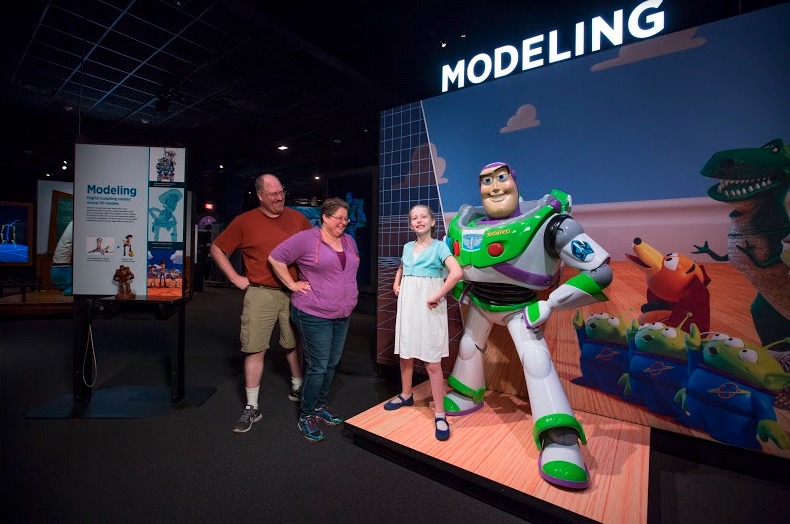
Visitors can take a photo with Toy Story’s Space Ranger Buzz Lightyear in the Modeling section, and learn how virtual 3D character models are created.
© Michael Malyszko
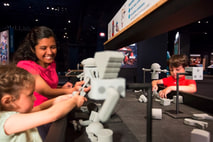
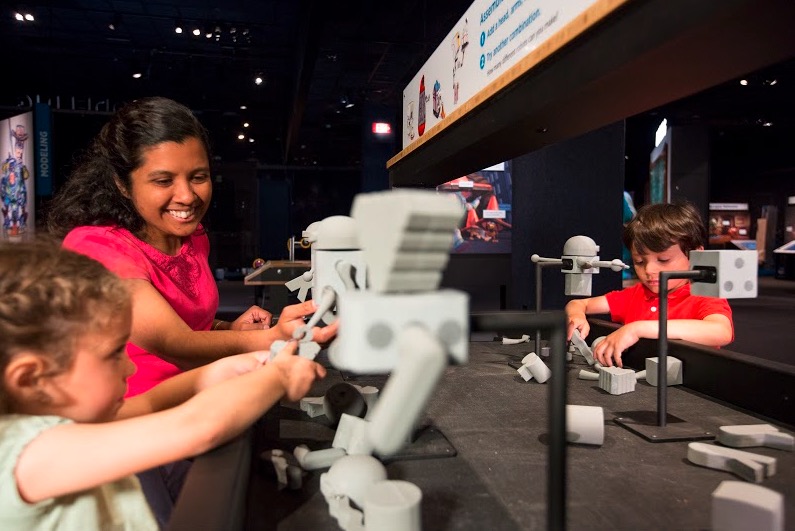
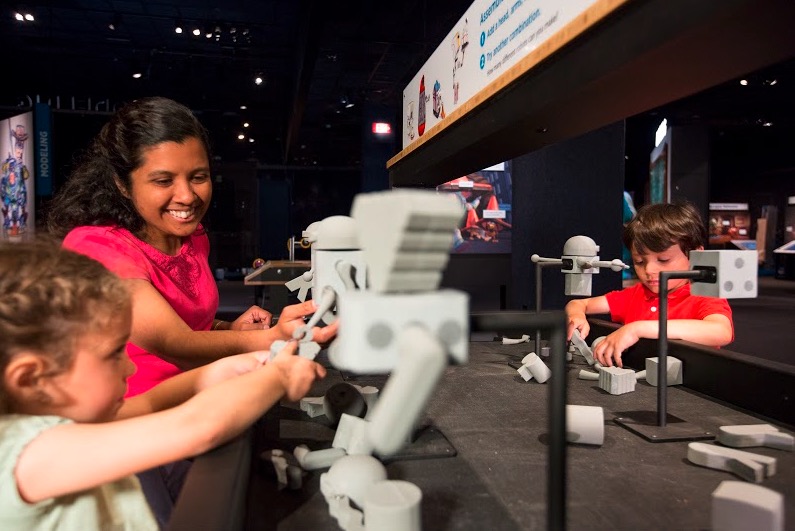
*Modelers on WALL•E relied on a library of virtual parts to quickly assemble new robots. At the ‘Build a Robot’ activity in the Modeling section, visitors can use a collection of parts to build models of robots.
© Michael Malyszko
2. Rigging
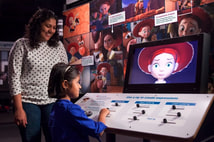
At the ‘Face Rigging Workstation’ in the Rigging section, visitors can use rig controls to create expressions on the cowgirl from Toy Story, Jessie’s, face.
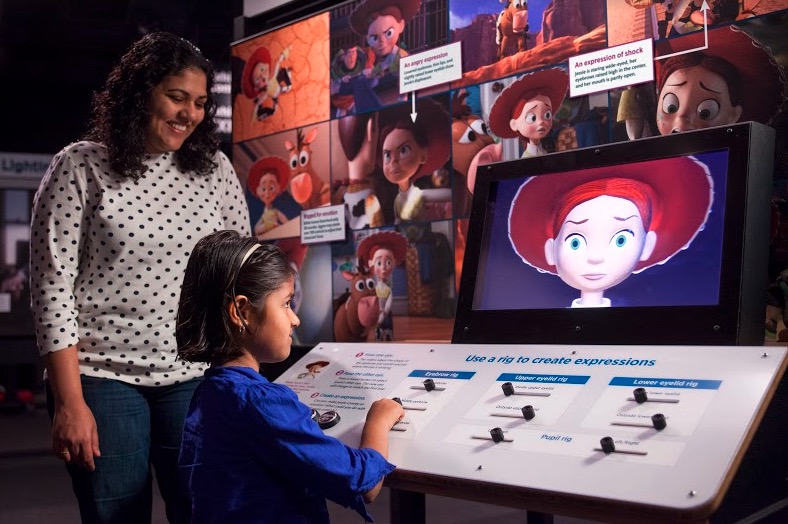 © Michael Malyszko
3. Surfaces
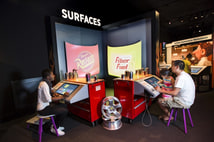
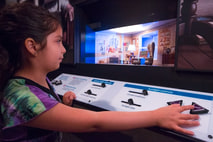
Through ‘Explore Surface Appearance’ in the Surfaces section, visitors can change the surface appearance of car hoods.
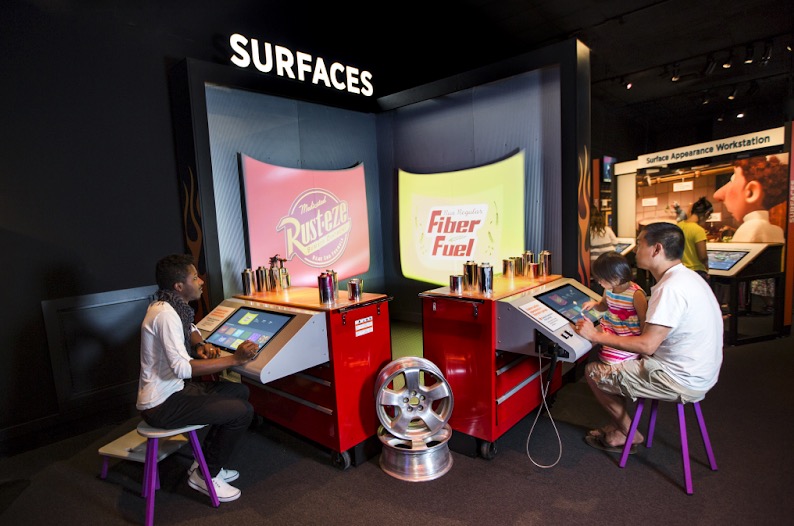
© Nicolaus Czarnecki
4. Sets & Cameras
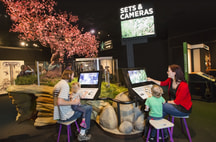
In ‘Explore a Physical Re-creation of Ant Island’ in the Sets & Cameras section, visitors can discover how to create a bug’s eye view of the Ant Island from A Bug’s Life.
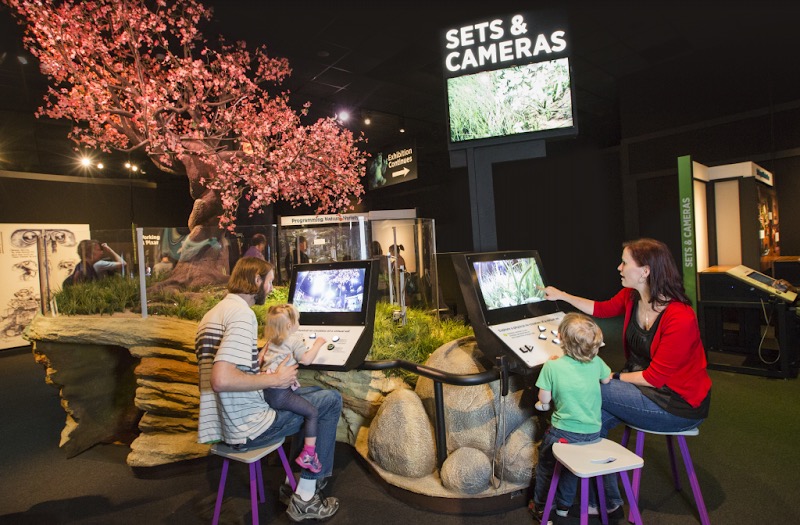
© Nicolaus Czarnecki
5. Animation
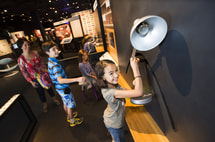
In the ‘Stop-motion Animation’ workstation in the Animation section, visitors can pose a lamp for the next frame of their movie.
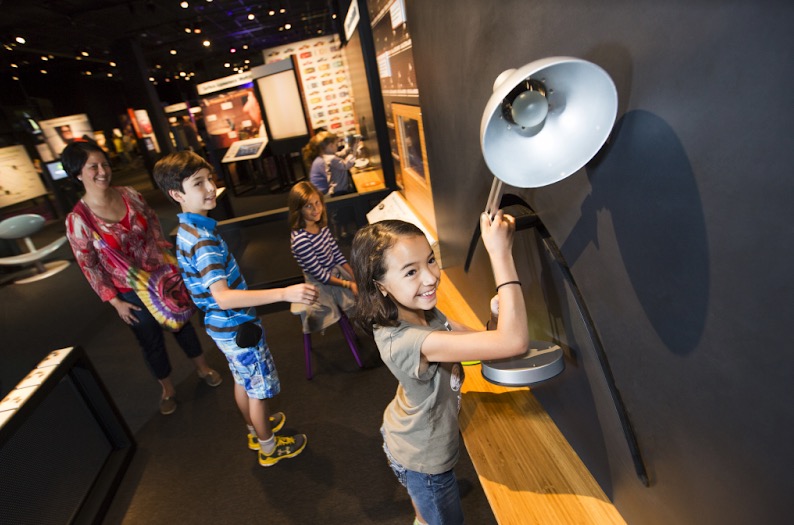
© Nicolaus Czarnecki
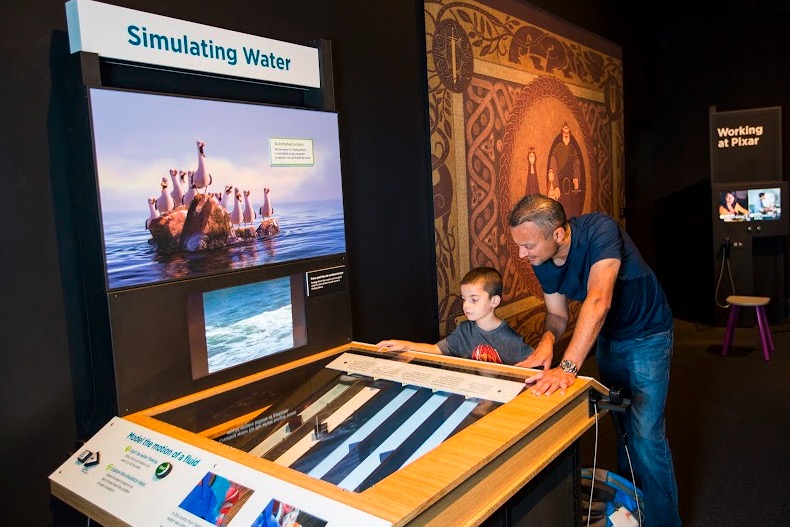
6. Simulation
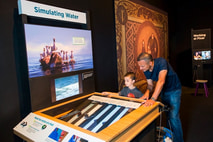
In ‘Simulating Water’ in the Simulation section, visitors can explore the steps required to create a water simulation.
© Nicolaus Czarnecki
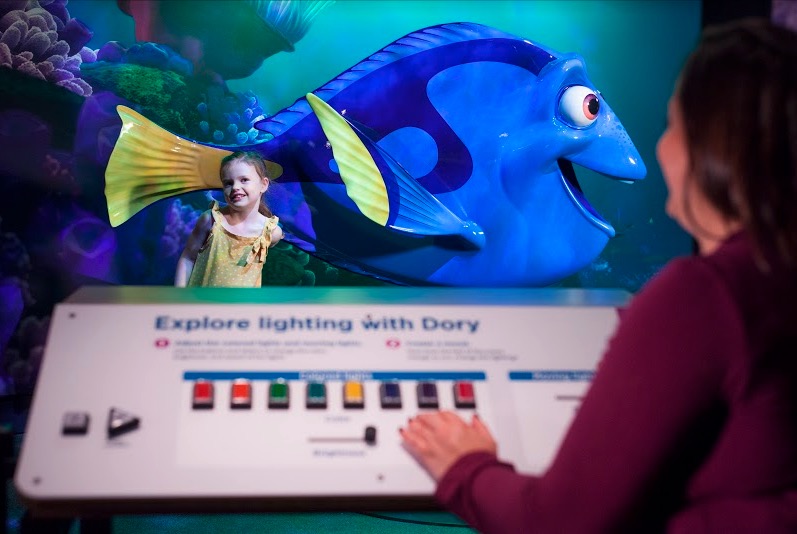
7. Lighting
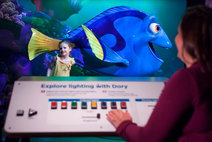
In the Lighting section, visitors can use lights to enhance the mood and believability of character Dory in underwater scenes from Finding Nemo.
© Michael Malyszko
In ‘Lighting Design Basics’ in the Lighting section, visitors can use lighting to create a mood on a physical model of a set from Up
© Michael Malyszko
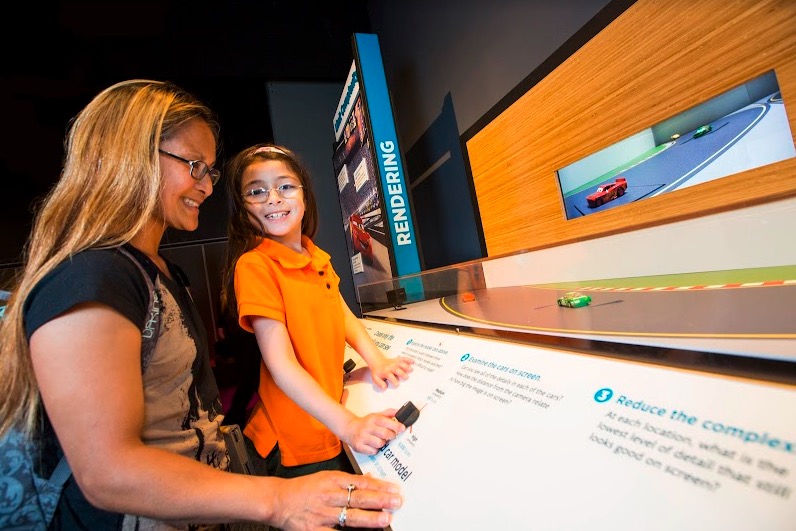
8. Rendering
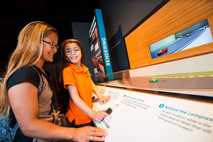
At the ‘Limit Complexity’ activity in the Rendering section, visitors can choose model cars with just enough complexity for a scene.
© Nicolaus Czarnecki
Source of the above information: official press release