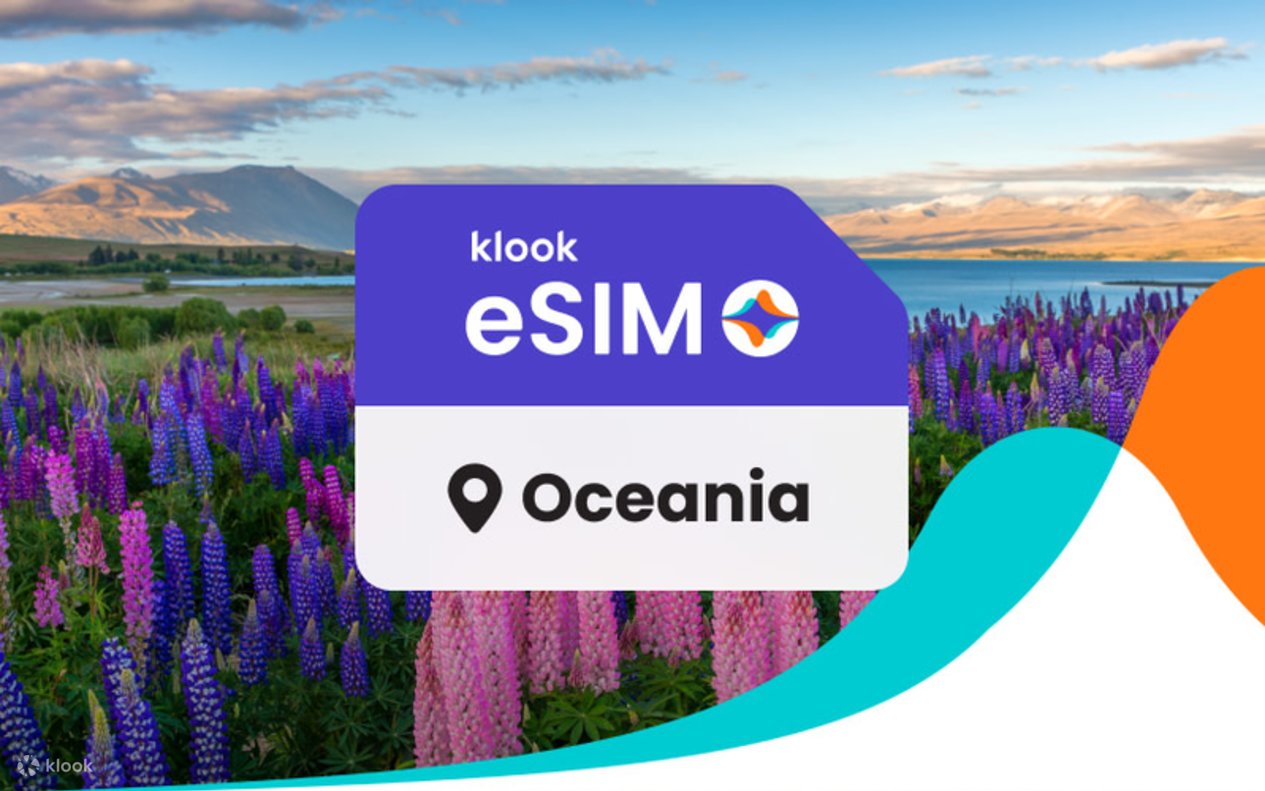
5G eSIM Oceania
- Receive your eSIM immediately
- 24/7 customer service support
- Fully refundable before use
- Check your device compatibility






Bank your leftover data, only on the app
Any unused data from this plan goes into your Data Wallet, saved for your next trip. Learn more
Product details
Validity 1-30 days
Internet speed 5G/4G LTE
Service type Data only
Coverage area Australia, New Zealand, Fiji, Papua New Guinea, Samoa, Tonga, Vanuatu
Data limit For Unlimited plans: 15GB/Day without a speed limit, 1Mbps after the limit
Hotspot Sharing Yes
Local telecom operator Bahrain
What to expect
What is an eSIM for Oceania?
An eSIM Oceania is a digital SIM card that lets you add a mobile data plan to your phone without needing a physical SIM. With an Oceania eSIM, you can stay connected as you travel across regions like Australia and New Zealand — no need to visit a SIM card store or worry about roaming fees.
How to Get Your Oceania eSIM?
- Download the Klook app
- Check device compatibility
- Select your destination and data plan
- Activate instantly via app or QR code
- Turn on data roaming to connect to the local network
Why Choose Klook’s eSIM for Oceania?
- High-Speed Data: Reliable connectivity through top local networks.
- Instant Setup: Activate in 5 minutes — no physical SIM required.
- Affordable Plans: Transparent pricing with no hidden expensive roaming fees.
- Wide Compatibility: Works with 100+ eSIM-enabled devices.
- Hotspot Sharing: You can easily share data with other devices.
Things to Know About Oceania eSIMs
1. How does eSIM Oceania work?
Oceania eSIM works by digitally adding a mobile plan to your device. Simply purchase a prepaid Oceania eSIM, install it through the Klook app or a QR code, and get connected as soon as you arrive. Hotspot and tethering are supported and you can easily add additional data linked to your main eSIM if you run out of data.
2. Is eSIM worth it for Oceania?
Definitely! An eSIM is the easiest way to stay connected while traveling in Oceania — no need to swap physical SIM cards. With Klook’s Oceania eSIM, avoid expensive roaming fees while enjoying fast and reliable coverage across Australia, New Zealand, and beyond for a seamless travel experience.
3. Can you keep your primary SIM number with an Oceania eSIM?
Yes. Thanks to the dual SIM functionality of an eSIM, you can keep your local phone number. Your local SIM card stays in your phone, and you add the eSIM Oceania plan for internet access. This lets you enjoy data in Oceania without having to swap out your physical SIM card.
Terms & Conditions
Cancellation policy
- Enjoy free cancellation within 180 days from booking confirmation date provided that data usage has not commenced
How to use



Additional information
- For connection issues, please contact merchant via the following steps: Account > Bookings > eSIM booking > Top right contact merchant
Reviews
FAQs
Explore more on Klook
Popular Hotels and Places to Stay
- 1 Meriton Suites Melbourne
- 2 Holiday Inn Express Melbourne Little Collins by IHG
- 3 ibis Melbourne Central
- 4 Novotel Melbourne Central
- 5 ibis Melbourne Hotel and Apartments
- 6 The Canvas Apartment Hotel
- 7 Mercure Melbourne La Trobe Street
- 8 Mövenpick Hotel Melbourne On Spencer
- 9 Melbourne City Apartment Hotel
- 10 Space Hotel - Hostel
- 11 Atlantis Hotel, Melbourne
- 12 Arrow on Swanston
- 13 Brady Apartment Hotel Hardware Lane
- 14 Citadines on Bourke Melbourne
- 15 Nesuto Docklands Apartment Hotel
- 16 Lanson Place Parliament Gardens
- 17 Crowne Plaza Melbourne Carlton by IHG
- 18 DoubleTree by Hilton Hotel Melbourne - Flinders Street
- 19 Brady Hotels Central Melbourne
- 20 Crown Metropol Melbourne