[In-app activation] How can I activate the eSIM on iOS devices?
- Step 1. Open the Klook app. Go to Account > Bookings to find your voucher. Select “Use other methods” to see your QR code.
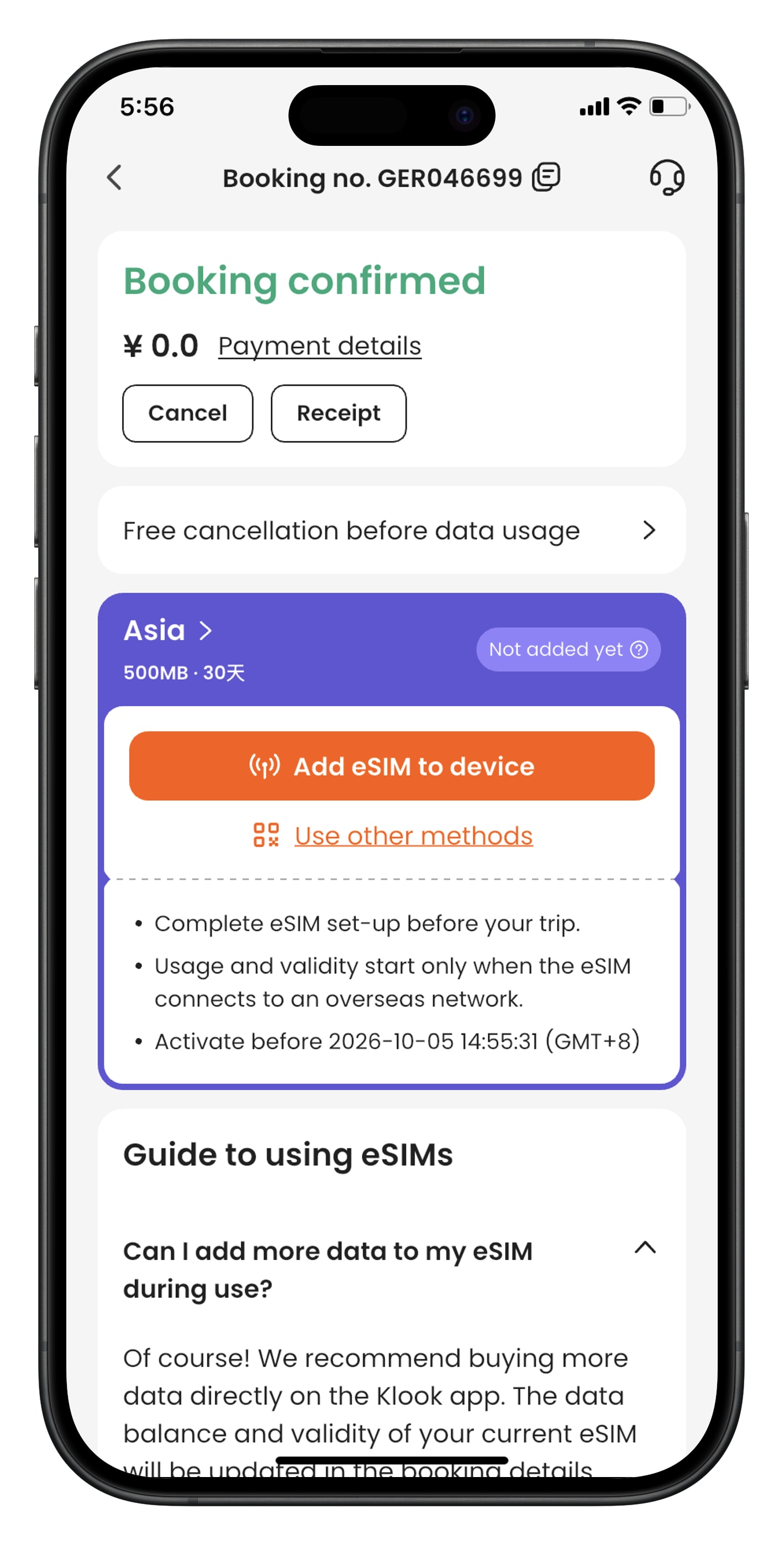
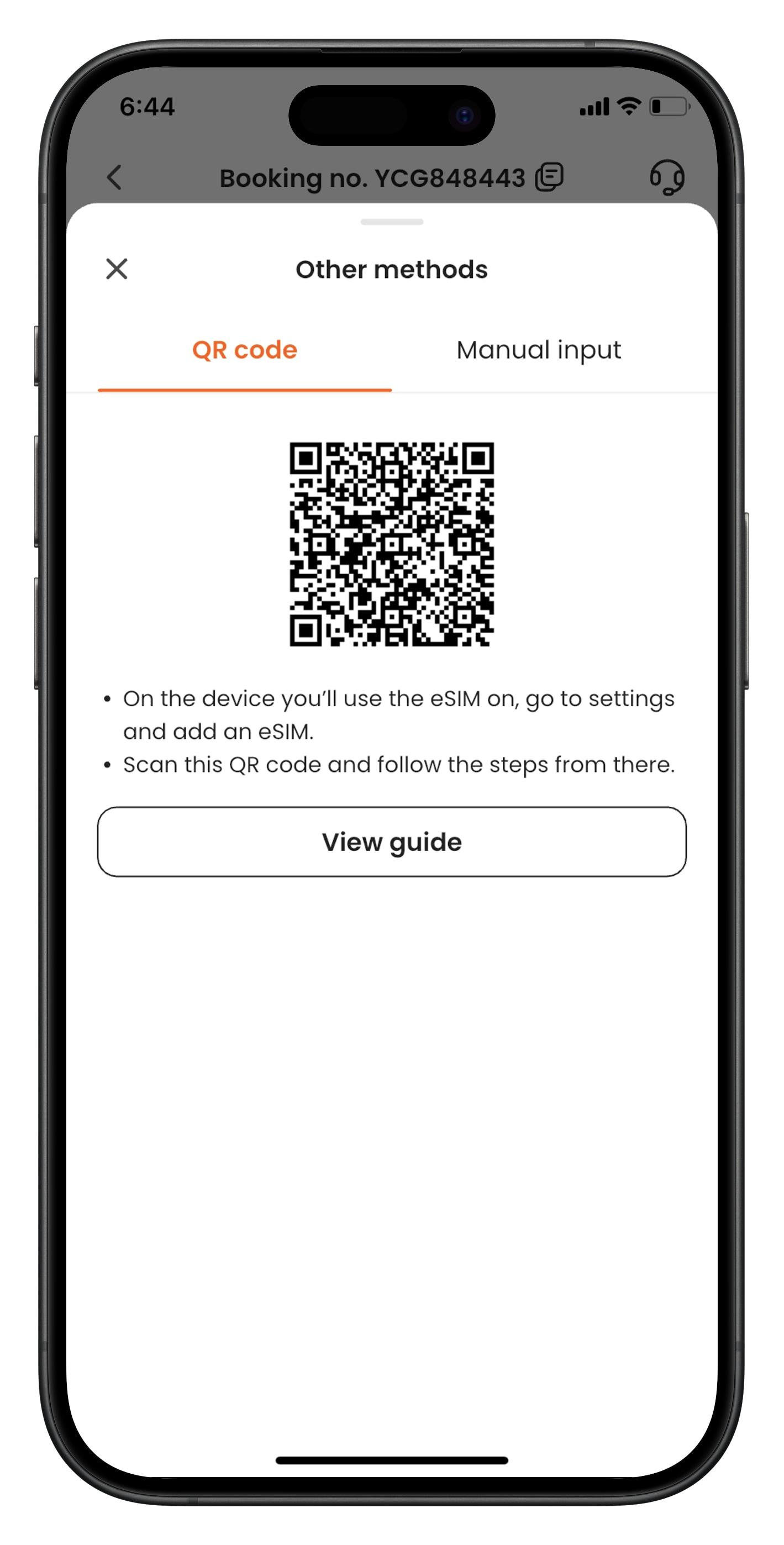
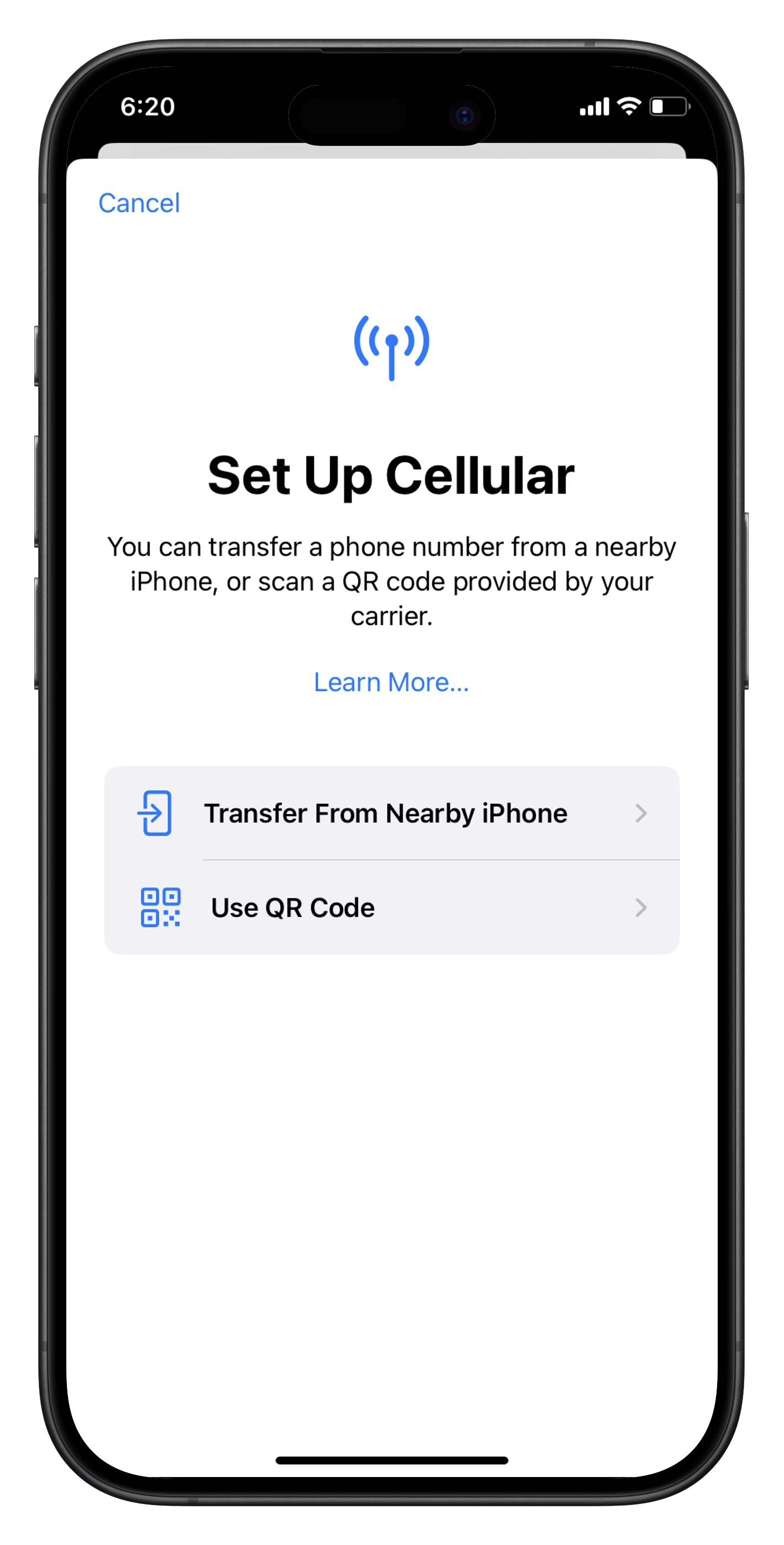
- Step 2. From the device that you’d like to use the eSIM, go to Settings > Cellular > SIMs. Tap “Add eSIM” and “Use QR Code”, and scan the QR code.
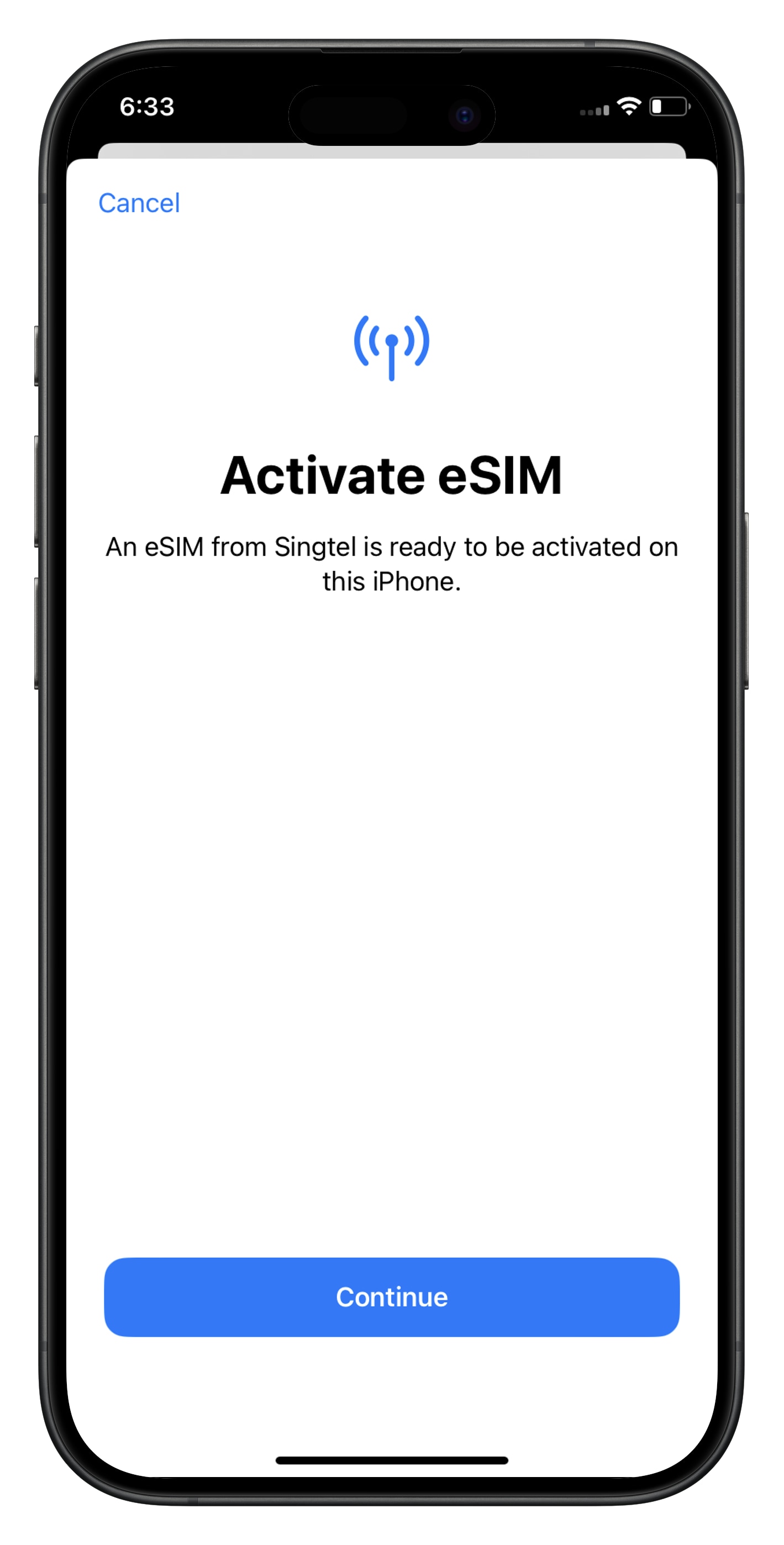
- Step 3. Activate the eSIM on a stable connection. Please do not leave the page while the eSIM is being activated.
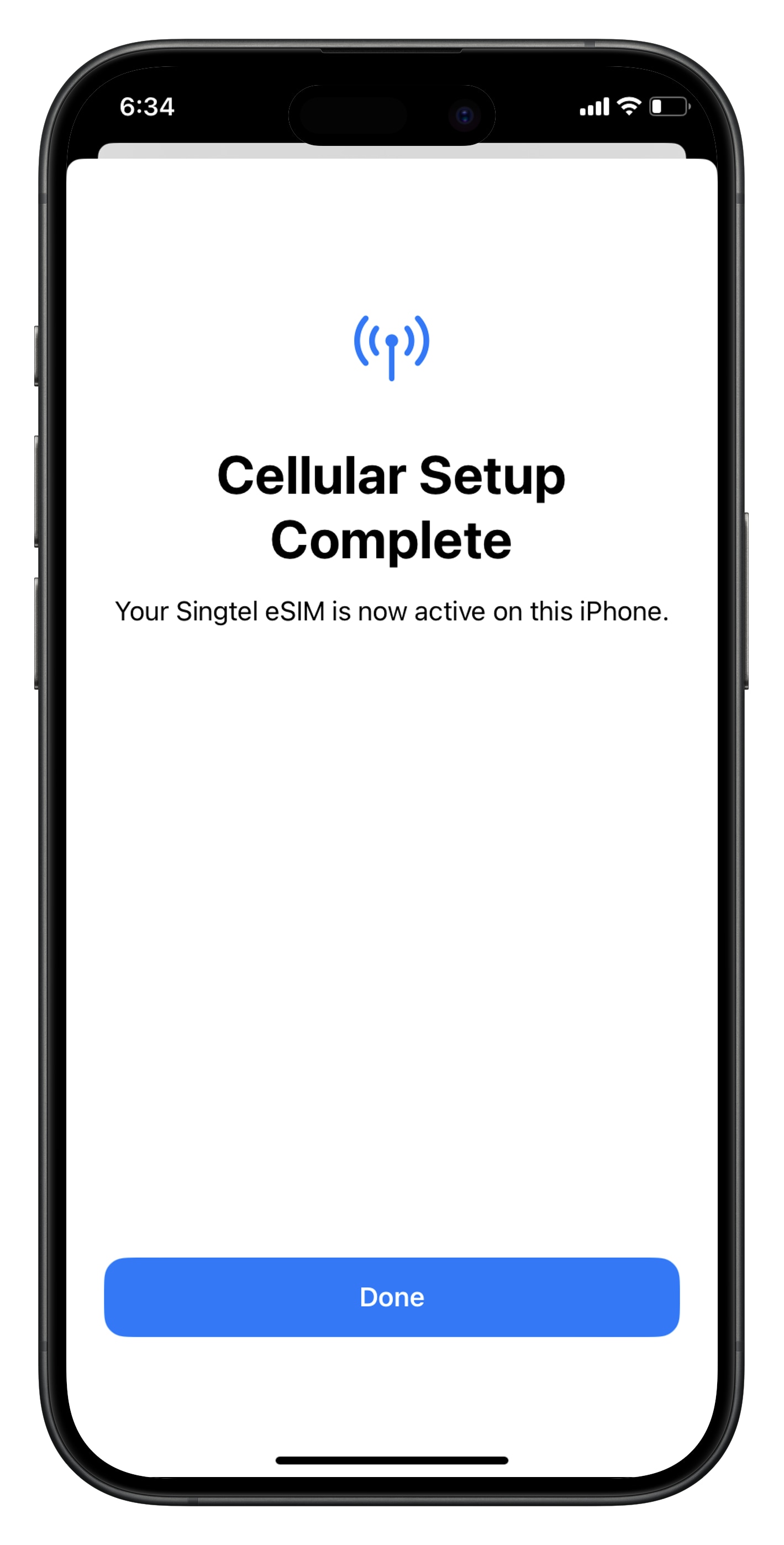
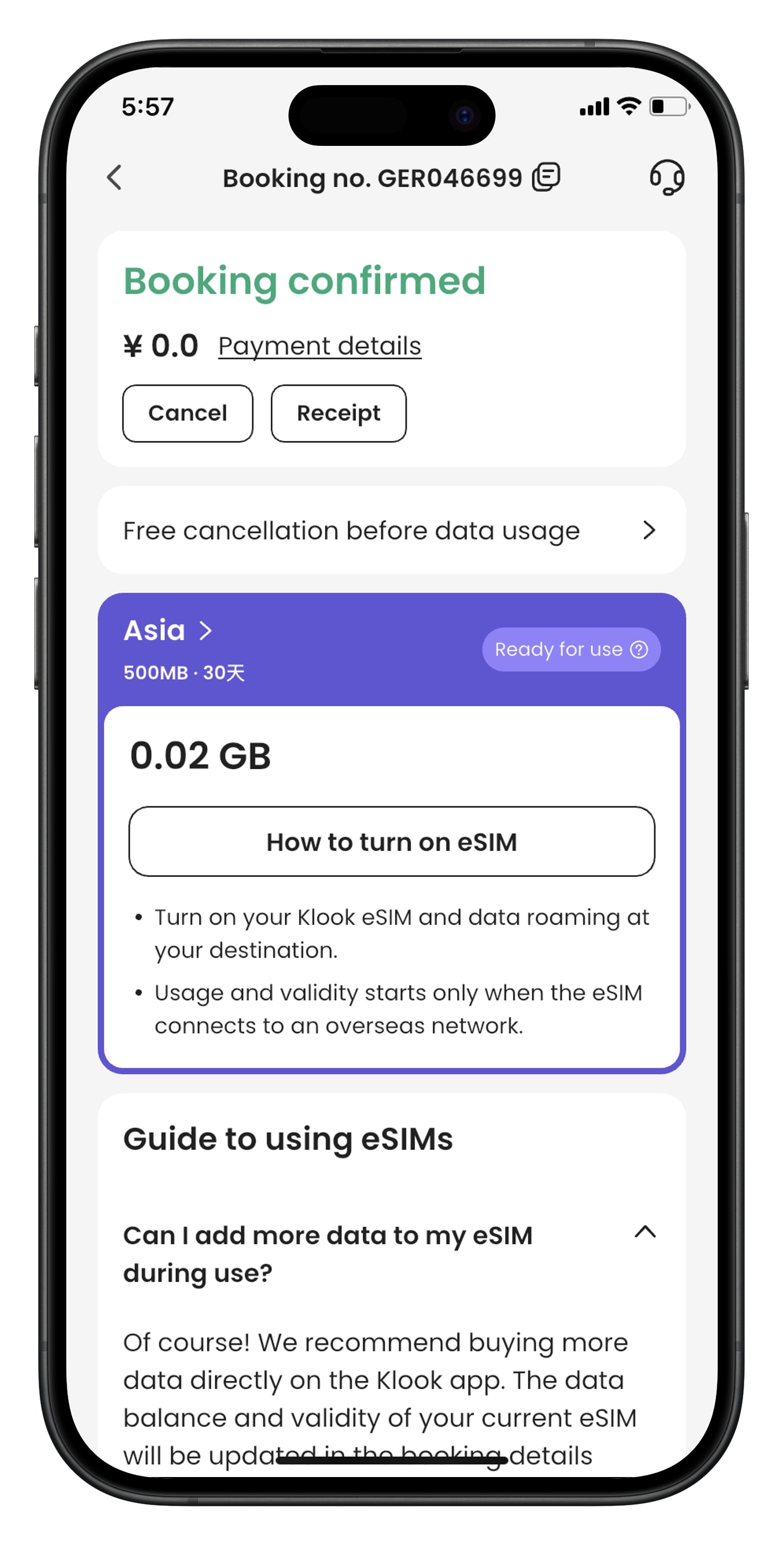
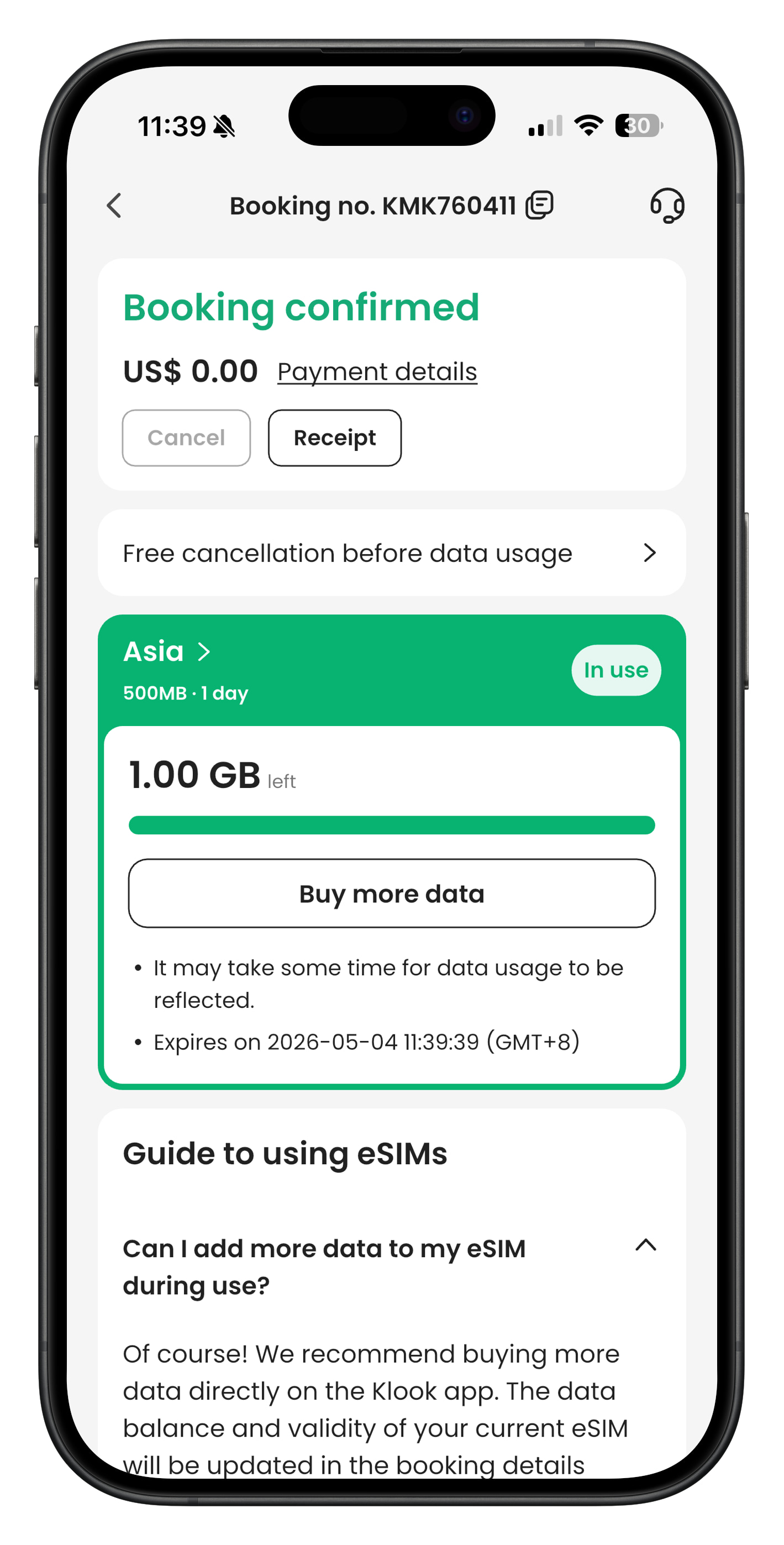
- Step 4. Check the eSIM status in your Klook booking. Tap the icon on the top right corner to get help with any issues. Please note that checking the data balance on the app is enabled only for the “Data in total” packages.
Was this information helpful?
Other FAQs in "eSIM"
- What devices are compatible with eSIM?
- [QR code activation] How can I activate the eSIM or share the eSIM with a QR code?
- [In-app activation] How can I activate the eSIM on Android devices?
- How can I activate the eSIM on my device?
- Can I scan one QR code with multiple devices?
- Should I turn on data roaming when I'm using the eSIM?