4G SIM Card (HK Airport Pick Up) for Cambodia from YSIM (Unlimited Data for 5 Days)
4.4
(43 reviews)
300+ booked
Validity
- Use your voucher at the selected date and time
Pick-up information
- Hong Kong international Airport T1 Counter A07
- Opening hours:
- Monday-Sunday:
- 08:00-20:00
- Address: Hong Kong international Airport T1 Counter A07
Activation procedure
- The SIM card must be activated within 90 day(s) after pick up. It is strongly recommended to activate your SIM card as soon as you arrive at your destination to avoid any instances of failed activation
- The SIM card is valid for your selected duration after activation on a 24 hour basis. If you activate your SIM on 1 Oct at 21:00, it will be valid until 9 Oct 21:00
- Android APN Setting 1. Insert SIM in the card slot 2. Go to Settings > General > Mobile Networks > switch on Cellular Data and Data Roaming > select 4G/LTE 3. Go to Cellular Data Network > Access Point Names (or APN) and set APN to 3gnet
- iOS APN Setting: 1. Insert SIM in the card slot 2. Settings > Mobile Networks > Cellular Data Options > Data Roaming > select 4G/LTE 3. Go to Settings > Cellular Network > set APN to 3gnet
Cancellation policy
- No cancellations, refunds, or changes can be made
Confirmation
- You'll get confirmation within minutes. If you don't see any confirmation, reach out to our customer support.
Voucher type
- Present your mobile voucher

forCambodiafromYSIM(UnlimitedDatafor5Days).jpg)
Proceed to the pick up location, Arrivals Hall in Terminal 1
forCambodiafromYSIM(UnlimitedDatafor5Days).jpg)
Look for Counter A07 and pick up your YSIM
forCambodiafromYSIM(UnlimitedDatafor5Days).jpg)
forCambodiafromYSIM(UnlimitedDatafor5Days).jpg)
Usage reminder
Booking guidelines
- Before booking, please ensure your mobile device is compatible with the local network service provider. No refunds or cancellations can be made due to SIM compatibility issues
Usage reminder
- Even with unlimited data, internet speed will drop to 256kbps after 300MB of data is used
- Please check your phone settings and network settings if you cannot connect to the network after inserting your SIM card, if the network speed is too slow, or there are other connection problems. If you are still encountering issues with your SIM, please contact Klook customer service
- Most mobile phones that support "WCDMA 2100 and FDD-LTE 1800" will be able to connect to the 3G or 4G networks after the SIM has been activated. YSIM is not applicable for customized phones or contract phones
- YSIM is a data only card and does not support calls and SMS
- When used in remote locations such as the mountains or rural areas, the network signal may be downgraded to 2G
- Detailed data usage is based on the backend data of the telecommunications company
- Please check the YSIM Terms and Conditions for your reference
Booking Information:
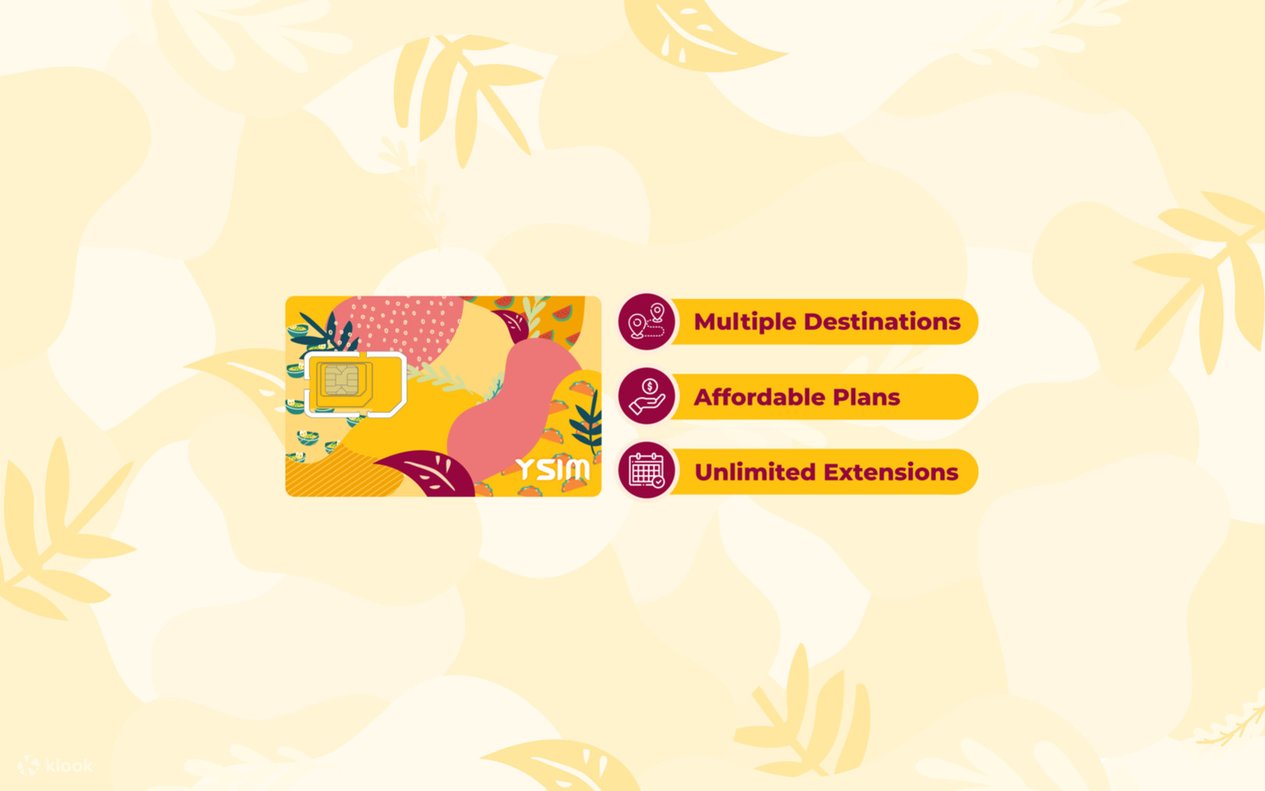
- One YSIM card can be used repeatedly across multiple destinations. Buy a YSIM card with data packages for Hong Kong, Japan, Cambodia, Australia, New Zealand, or Thailand
- Top-up your YSIM data package for the areas mentioned above, as well as for Macau, Singapore, South Korea, and Malaysia
- Before your journey, please refer to the “How to Use” section on this page
- Unlimited YSIM data packages are available for the following regions: Hong Kong - as low as HKD4.13 per day, Macau - as low as HKD11 per day, Hong Kong and Macau - as low as HKD7 per day, Japan - as low as HKD9.25 per day, South Korea as low as HKD9.75 per day, Thailand - as low as HKD5 per day, Singapore - as low as HKD8.63 per day, Malaysia - as low as HKD8.5 per day, Cambodia - as low as HKD8.5 per day, Australia - as low as HKD7.47 per day, New Zealand - as low as HKD11.9 per day
YSIM Top-up Procedure:
- Enter the account dashboard and click “My YSIM”
- Click “Add new YSIM” and input the ICCID number and PUK number to pair your YSIM with your Klook account
- Click “top-up” and proceed to the data package top-up page
- Select a data package
- Click “top-up” to make a payment
- You can find the data package in “My YSIM” after your purchase. The data package will automatically be activated upon arrival at your destination
Contact us
Got a question about this activity? Ask us on live chat!