[Not in use] Test AID
- Receive your eSIM immediately
- Supports TikTok & AI tools
- Quality Guarantee – Refund before usage or if you experience issues
- Access 24/7 customer support
- Verify your device compatibility





Product details
Internet speed 4G LTE
Coverage area All of Singapore
Data limit Unlimited Plans: 15 GB/day at full speed, then slows to 1 Mbps
Hotspot Sharing Yes
Local telecom operator Starhub 4G LTE
What to expect
What is an eSIM for Singapore?
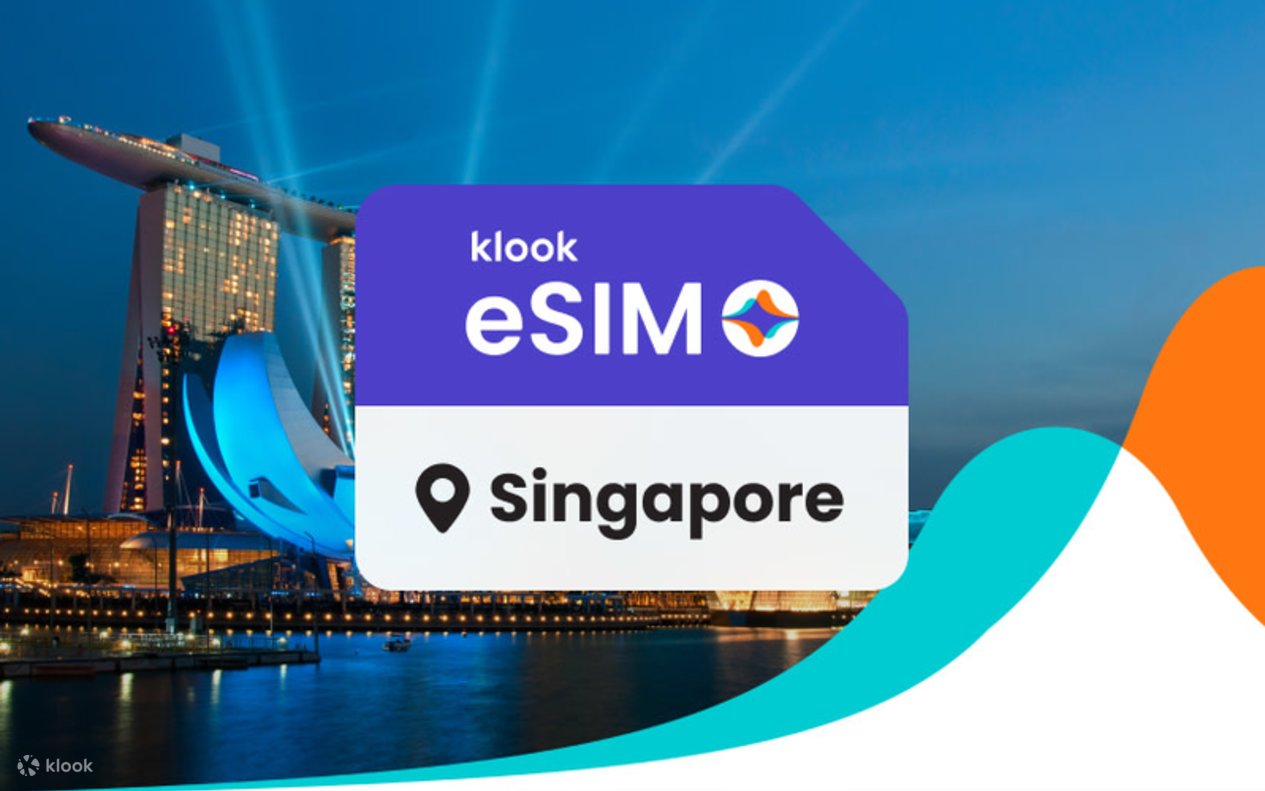
An eSIM Singapore is a digital SIM card that lets you add a mobile data plan to your phone without needing a physical SIM. With a Singapore eSIM, you can stay connected as you travel across Singapore — no need to visit a SIM card store or worry about roaming fees.
How to Get Your Singapore eSIM?
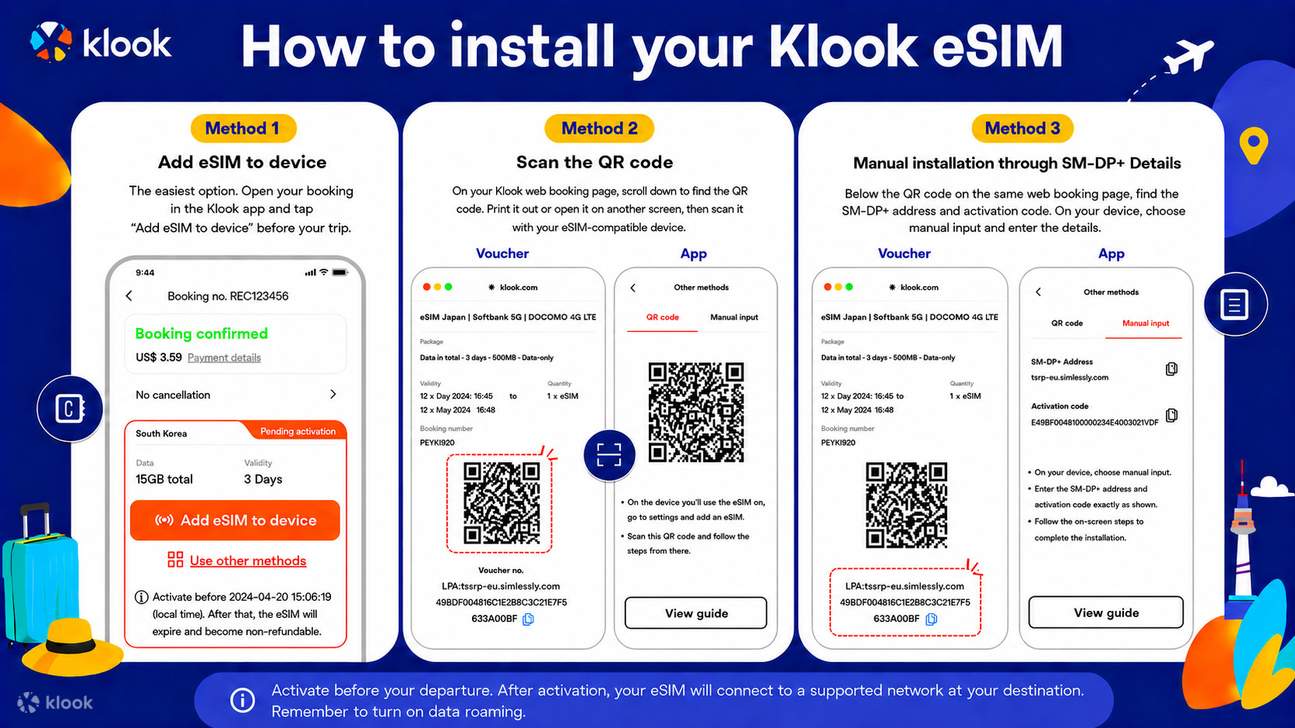
- Download the Klook app
- Check device compatibility
- Select your destination and data plan
- Activate instantly via app or QR code
- Turn on data roaming to connect to the local network
Why Choose Klook’s eSIM for Singapore?
- High-Speed Data: Reliable connectivity through top local networks like Starhub.
- Instant Setup: Activate in 5 minutes — no physical SIM required.
- Affordable Plans: Transparent pricing with no hidden expensive roaming fees.
- Wide Compatibility: Works with 100+ eSIM-enabled devices.
- Hotspot Sharing: You can easily share data with other devices.
Things to Know About Singapore eSIMs
1. How does eSIM Singapore work?
Singapore eSIM works by digitally adding a mobile plan to your device. Simply purchase a prepaid Singapore eSIM, install it through the Klook app or a QR code, and get connected as soon as you arrive. Hotspot and tethering are supported and you can easily add additional data linked to your main eSIM if you run out of data.
2. Is eSIM worth it for Singapore?
Definitely! An eSIM is the easiest way to stay connected while traveling in Singapore — no need to swap physical SIM cards. With Klook’s Singapore eSIM, avoid expensive roaming fees while enjoying fast and reliable coverage from Starhub for a seamless travel experience.
3. Can you keep your primary SIM number with a Singapore eSIM?
Yes. Thanks to the dual SIM functionality of an eSIM, you can keep your local phone number. Your local SIM card stays in your phone, and you add the eSIM Singapore plan for internet access. This lets you enjoy data in Singapore without having to swap out your physical SIM card.
Terms & Conditions
Cancellation policy
- Cancel before your eSIM connects for a full refund. If you face issues after activation, low usage qualifies for a full refund, while higher usage may qualify for a partial refund plus 10% extra in KlookCash. All refunds are at Klook’s sole discretion
How to use



Additional information
- For connection issues, please contact merchant via the following steps: Account > Bookings > eSIM booking > Top right contact merchant