Tokyo BRT One-Day Pass
New Activity
Tokyo BRT Shimbashi 01
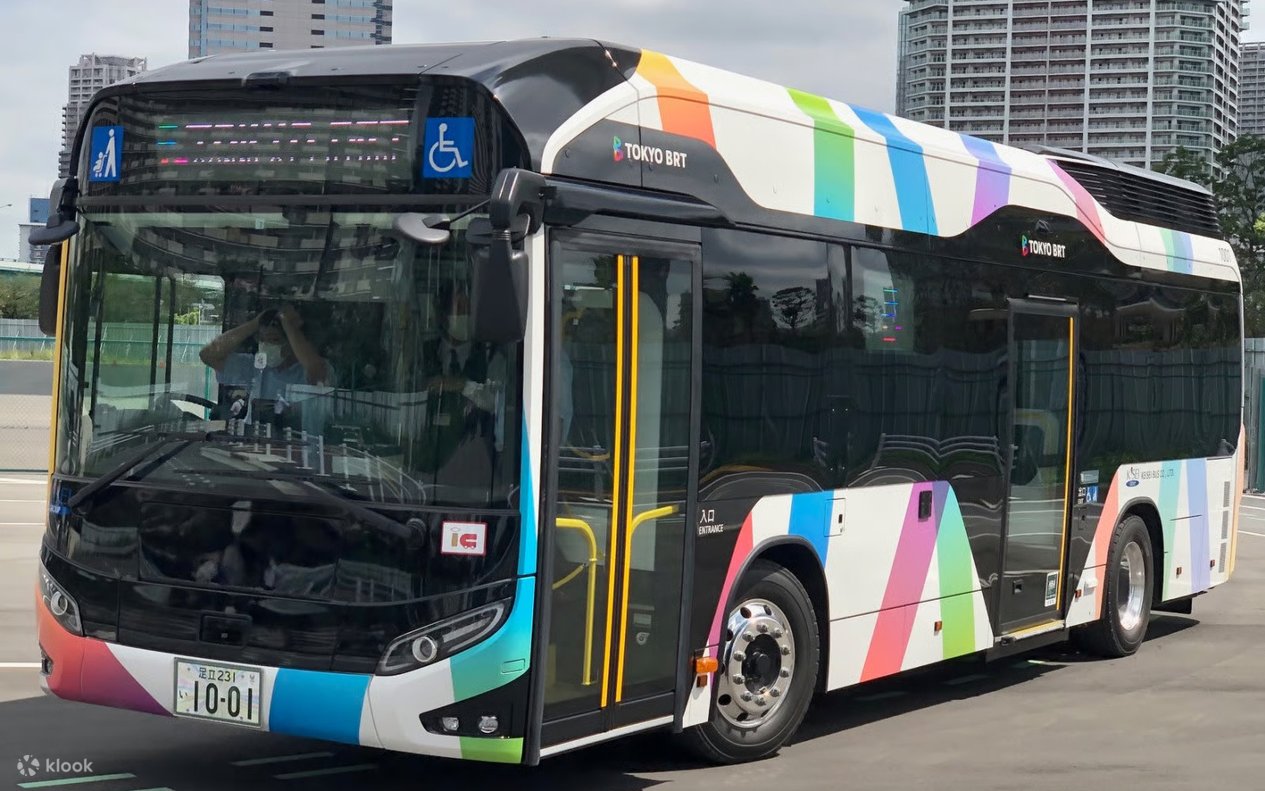
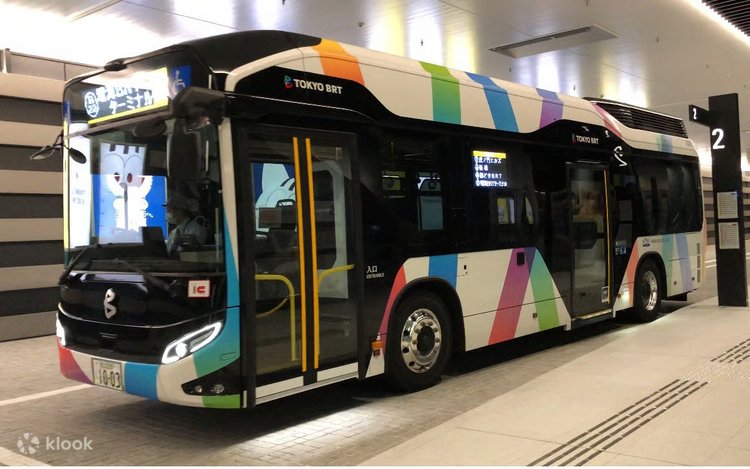
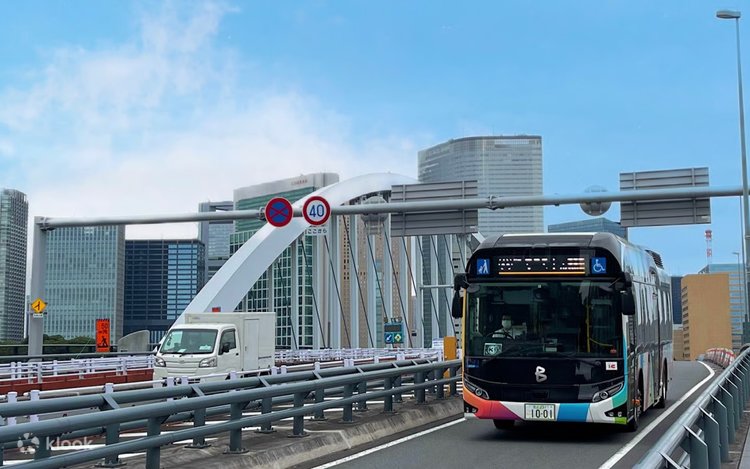
- This one-day pass allows unlimited travel across all Tokyo BRT lines, connecting central Tokyo with the waterfront area
- It is valid from the time of first use until the last bus of the day
Offers for you
5 off
What to expect



Good to know
Eligibility
- Child Fare: Ages 6 and over but under 12 (Elementary school students are charged the child fare even if they are 12 years old)
- Free for children under 6 (Must be accompanied by an adult)
Additional information
- This vehicle is stroller and wheelchair-accessible
- This ticket cannot be resold. Resold tickets will be invalid
- Carry-on Items Restrictions: Passengers may bring items on board provided they are within 10 kg in total weight, 0.027 cubic meters in total volume, and 1 meter in length
- Wheelchair and Stroller Access: You may use the designated free space without folding your wheelchair or stroller. However, please note that boarding may be declined if the space is already occupied or if the driver determines it is unsafe to board due to vehicle crowding
- If you are unable to display your digital ticket due to device failure, low battery, or poor connection, you will not be able to use it. In such cases, please pay the regular fare separately. Please be aware that any fares paid during such periods are non-refundable
- Recommended Environment for Digital Tickets: iOS: 15 or higher / Safari (latest version)・Android: 10.0 or higher / Chrome (latest version)
- Note: Even within the recommended environment, the service may not function correctly depending on your specific device or settings
Redemption information
- Present your QR code/voucher to enter directly
- 【How to Use Your Ticket】
- When boarding, open the link from your voucher email to access the ticket screen. Tap the "Use" button and present the screen to the driver
- Network Connection: An active internet connection is required to open the ticket on your smartphone. Please ensure your mobile data or Wi-Fi is working
- Screenshots & Printouts: Screenshots or printed copies of the ticket are not accepted
- Multiple Tickets: If you purchase multiple tickets in a single transaction, they must all be activated at the same time. If you wish to use tickets individually at different times, please purchase them in separate transactions
- 【Security Authentication (One-Time Password / OTP)】
- For security purposes, you may be asked to complete One-Time Password (OTP) authentication. If prompted, please follow these steps:
- ① Enter your email address to receive the OTP and tap the send button
- ② Check your inbox for the OTP email. (Emails are sent from the domain: @linktivity.co.jp. Please check your spam/junk folder if you do not see it. If the email does not arrive, your email address may be incorrect. Please reopen the ticket URL from your voucher and try entering your email address again)
- ③ Enter the OTP from the email into the ticket screen and tap the confirm button. Once verified, your ticket will be displayed. (Note: After the first authentication, the OTP will always be sent to the email address you initially set. This email address cannot be changed, so please ensure you use an address you can access on the day of your trip)
Location
Contact us
Got a question about this activity? Ask us on live chat!