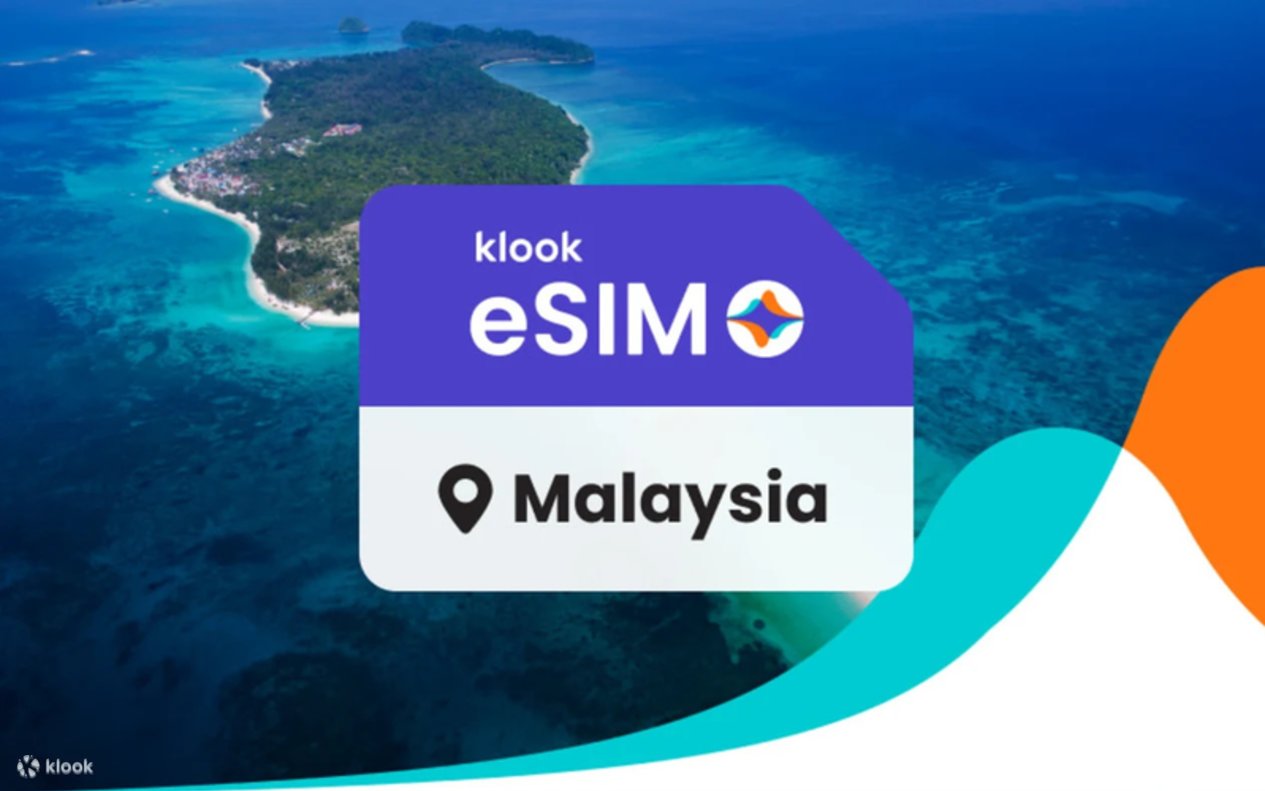
5G eSIM Malaysia | Maxis
- Receive your eSIM immediately
- Supports TikTok & AI tools
- Quality Guarantee – Refund before usage or if you experience issues
- Access 24/7 customer support
- Verify your device compatibility





Bank your leftover data, only on the app
Any unused data from this plan goes into your Data Bank, saved for your next trip. Learn more
Product details
Validity 1-30 days
Internet speed 5G/4G LTE
Service type Data only
Coverage area All of Malaysia
Data limit Unlimited Plans: 15 GB/day at full speed, then slows to 1 Mbps
Hotspot Sharing Yes
Local telecom operator Maxis 5G | Celcom Digi 5G
What to expect
What is an eSIM for Malaysia?
An eSIM Malaysia is a digital SIM card that lets you add a mobile data plan to your phone without needing a physical SIM. With a Malaysia eSIM, you can stay connected as you travel across cities like Kuala Lumpur — no need to visit a SIM card store or worry about roaming fees.
How to Get Your Malaysia eSIM?
- Download the Klook app
- Check device compatibility
- Select your destination and data plan
- Activate instantly via app or QR code
- Turn on data roaming to connect to the local network
Why Choose Klook’s eSIM for Malaysia?
- High-Speed Data: Reliable connectivity through top local networks like Maxis.
- Instant Setup: Activate in 5 minutes — no physical SIM required.
- Affordable Plans: Transparent pricing with no hidden expensive roaming fees.
- Wide Compatibility: Works with 100+ eSIM-enabled devices.
- Hotspot Sharing: You can easily share data with other devices.
Things to Know About Malaysia eSIMs
1. How does eSIM Malaysia work?
Malaysia eSIM works by digitally adding a mobile plan to your device. Simply purchase a prepaid Malaysia eSIM, install it through the Klook app or a QR code, and get connected as soon as you arrive. Hotspot and tethering are supported and you can easily add additional data linked to your main eSIM if you run out of data.
2. Is eSIM worth it for Malaysia?
Definitely! An eSIM is the easiest way to stay connected while traveling in Malaysia — no need to swap physical SIM cards. With Klook’s Malaysia eSIM, avoid expensive roaming fees while enjoying fast and reliable coverage across Kuala Lumpur and beyond from Maxis for a seamless travel experience.
3. Can you keep your primary SIM number with a Malaysia eSIM?
Yes. Thanks to the dual SIM functionality of an eSIM, you can keep your local phone number. Your local SIM card stays in your phone, and you add the eSIM Malaysia plan for internet access. This lets you enjoy data in Malaysia without having to swap out your physical SIM card.
Terms & Conditions
Cancellation policy
- Cancel before your eSIM connects for a full refund. If you face issues after activation, low usage qualifies for a full refund, while higher usage may qualify for a partial refund plus 10% extra in KlookCash. All refunds are at Klook’s sole discretion.
How to use



Additional information
- For connection issues, please contact merchant via the following steps: Account > Bookings > eSIM booking > Top right contact merchant
Reviews
Klook User
Review for: Data per day · 5 days · Unlimited · Data only Book now
I purchased the Celcom 5-day Unlimited 5G eSIM on Klook for my trip to Malaysia, and it was a flawless, hassle-free experience from start to finish. It delivered exactly as advertised. The 5G coverage and speed were excellent in KL and along highways, providing truly unlimited data for streaming, maps, and video calls without any slowdowns. This is the most convenient travel solution. From the seamless Klook purchase to the instant activation and reliable performance, it was 100% no-hassle. I highly recommend this Celcom eSIM to any traveler looking for immediate, high-speed internet in Malaysia.
Marc ******
Review for: Data per day · 1 day · Unlimited · Data only Book now
it is a fast and reliable internet connection while I was in Kota Kinabalu, Malaysia. it’s easy to access the internet and different social media platforms. Easy to send and receive photos, emails and videos.
Rodel *******
Review for: Data per day · 3 days · Unlimited · Data only Book now
I used an eSIM during my trip to Malaysia and it made everything so much easier. Activation was instant — I just scanned the QR code and I was online even before leaving the airport. The connection around Kuala Lumpur was fast and stable, perfect for maps, booking Grab rides, uploading reels, and checking reviews on the go. I didn’t have to line up for a physical SIM or switch cards, which saved me time and hassle. For anyone visiting Malaysia, an eSIM is definitely the most convenient and stress-free way to stay connected.
MARIA **************
Review for: Data per day · 7 days · Unlimited · Data only Book now
The eSIM was super easy to activate - it only took a few minutes. The network has been really good and stable the whole time I’ve been using it. I was also able to share my data without any hassle. Overall, a smooth and convenient experience
zenneth ********
Review for: Data per day · 5 days · Unlimited · Data only Book now
Activation was super easy — just scanned the QR code from Klook, and it connected right away. The signal was strong and stable throughout our trip around Kuala Lumpur and nearby areas, with fast internet speed even in crowded spots. No need to swap SIM cards or look for Wi-Fi — it made traveling so much more convenient! The data was reliable for navigation, uploads, and social media. Perfect for hassle-free travel around Malaysia. 🇲🇾💛
jamie ********
Review for: Data per day · 5 days · Unlimited · Data only Book now
very reliable and easy to use. just a few steps you’ll be able to access data and internet for browsing your social media and or for entertainment. you can use it anywhere in Malaysia be it in Kuala Lumpur or in Melaka
Ivan **********
Review for: Data in total · 30 days · 10GB · Data only Book now
Convenient and easy to purchase, reasonable price. It was easy to set up and use. Good coverage, although the speed was a bit slow sometimes, but I was far from civilization at that point :) Overall, the connection never dropped anywhere.
Clifford ***
Review for: Data in total · 30 days · 5GB · Data only Book now
purchased a 5GB eSIM for a trip to Malaysia, once you booked the eSIM from Klook app you will receive an email confirmation, activated eSIM when I landed Penang airport, the instructions is clear but make sure you have stable wifi when you activate the eSIM on your phone, you can check data used in Klook app, very convenient and the connection is good, compared to other eSIM vendors, Klook price is much better